Every experienced Telegram buyer has a version of the same story. The campaign is finally working, budgets are up, and then one morning the channel is restricted, or the bot stops responding, or a link gets flagged. Ads keep spending. Nobody gets in. Tracking goes dark.
You can’t make a funnel immune to problems. You can make sure one problem doesn’t take the whole thing down. That’s what this guide is about.
Map your single points of failure
Draw your funnel and circle every piece that, if it disappeared, would stop people getting in or stop you tracking them.
| Layer | What can go wrong | Impact without a backup |
|---|---|---|
| Channel or group | Restricted, deleted, or you lose admin access | Ads send people to a dead end |
| Bot | Token leaked, bot blocked, rate-limited | No new invite links, joins not tracked |
| Ad destination link | Hard-coded to one channel | Every ad must be edited and re-reviewed |
| Ad account | Disabled or restricted | Spend stops entirely |
| Pixel token | Expired or revoked | Joins happen but the platforms never hear about them |
Each row needs its own answer.
Layer 1: a backup channel you can switch to instantly
The single most valuable thing you can do is make sure your ads never point directly at a Telegram channel. They should point at a link you control, which then sends people to whichever channel is active right now.
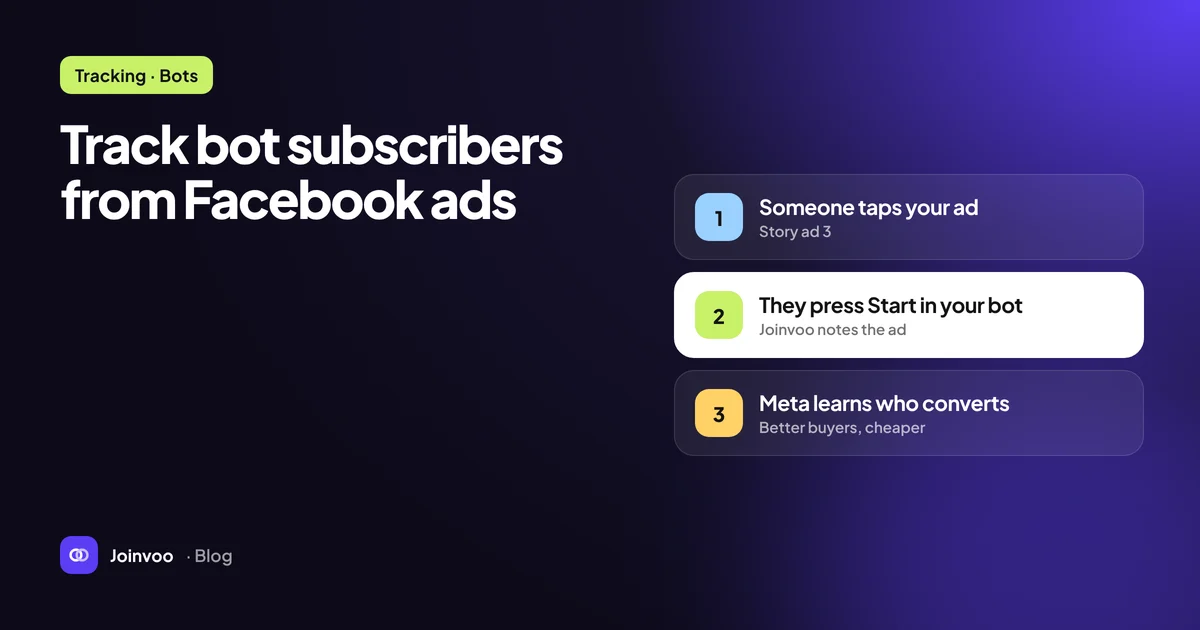
When your ads use a tracking link, the destination behind it can change without touching the ads. No edits, no re-review, no reset of learning. In Joinvoo, this is the Send visitors to setting on a channel: point the old channel’s tracking link at the backup channel, and every new click goes there with fresh invite links. The setup guide has the step-by-step.
Keep the backup warm
A backup channel that’s empty and created yesterday isn’t much of a backup. Prepare it ahead of time:
- Same branding and description, so people recognise it.
- Real content posted regularly, so new members see a living channel.
- Admin rights for your bots already granted, including Invite users via link.
- Connected in your tracker with the same pixel settings, so tracking keeps working the moment you switch.
- Linked from your main channel, for example in a pinned post, so existing members can find it if the main one has trouble.
Layer 2: more than one bot
Bots are your tracking engine. They create the per-click invite links and see the joins. Two things can hurt them.
Rate limits. Telegram limits how fast a single bot can create invite links. At high volume, one bot can fall behind. Add a second or third bot as admin to the same channel, and your tracker can share the work between them.
Token problems. If a bot’s token leaks, revoke it in BotFather straight away and paste the new one into your tracker. A spare bot already added as admin means tracking continues while you fix it.
And always use a dedicated bot for tracking. A bot that also runs your shop or support can conflict with tracking, and a problem in one job takes down the other.
Track this in Joinvoo, free.Every join, start and deposit matched to the ad that drove it. First 500 joins on us.Start freeLayer 3: fallbacks inside the tracking flow
Even with spare bots, you want the person who tapped your ad to get in, whatever happens. A good tracker has a fallback: if fresh invite links ever run out, visitors still get into the channel through a backup link. Those few joins can’t be matched to an ad, but nobody hits a dead end.
Your ads keep working even when tracking pauses for any reason. That’s the right priority order: people get in first, attribution second.
Layer 4: tokens and alerts
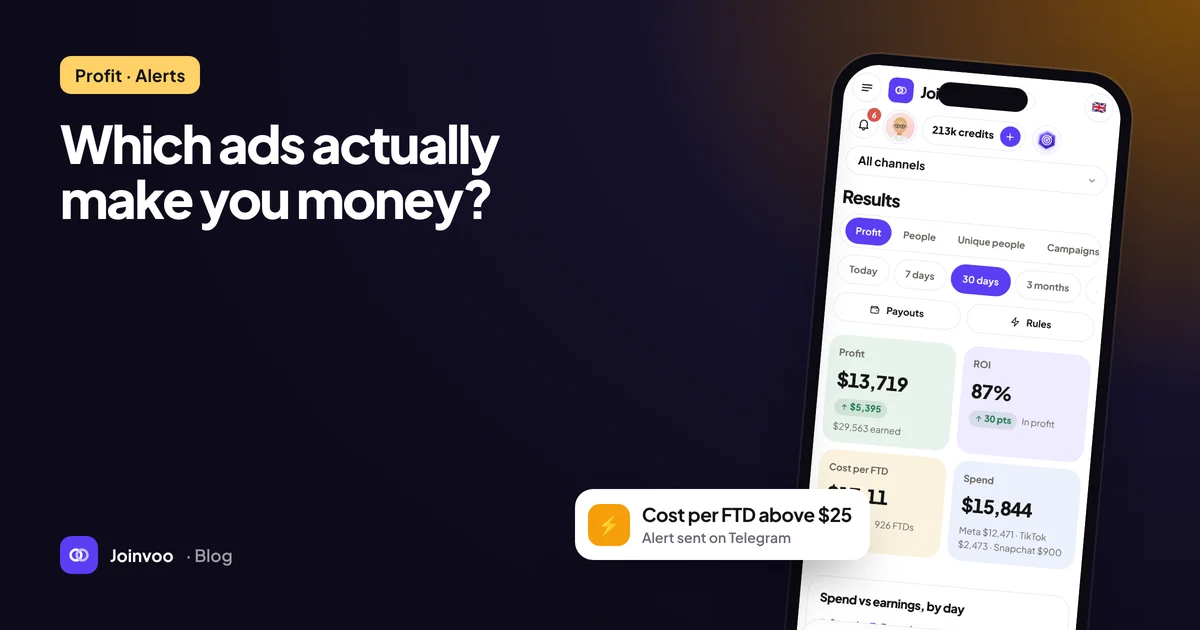
The quietest failure is a pixel or Conversions API token that expires. Joins keep happening, your dashboard looks fine, but Meta, TikTok or Snapchat stop receiving events and their optimisation drifts.
Two defences:
- Alerts. Get notified when a platform starts rejecting events, for example because of an invalid or expired token. Joinvoo can send these to your Telegram, along with alerts when invite links run low.
- Retries. When a platform rejects events temporarily, a tracker that retries for a while means recent joins still get sent once you fix the token.
Layer 5: ad accounts and creatives
Outside Telegram, the ad side needs its own resilience:
- More than one ad account where your business legitimately needs it, set up properly in your business manager, so one restriction doesn’t stop all spend.
- Approved creatives in reserve, so a rejection doesn’t leave an ad set empty.
- Clean destination pages. If ad review is strict for your vertical, a simple join page with real content is easier to approve than a raw redirect.
Write the switch plan down
When something breaks, you’ll be stressed and in a hurry. Write the plan now, in a few lines your whole team can follow:
- Confirm the problem (channel restricted? bot down? token expired?).
- Switch the tracking link to the backup channel.
- Check a test join on your phone lands in the backup and is tracked.
- Post in the backup channel so new arrivals see fresh content.
- Fix the root cause, then decide whether to switch back.
Recap
Never point ads straight at a channel. Keep a warm backup, spare bots and alerts on your tokens. Make sure people always get in, even when tracking can’t keep up. Write the plan before you need it.
Joinvoo’s smart links let you redirect every ad to a backup channel in one tap, with no ad edits. Start free and set up your backup before your next scale-up. For the scaling side, read How to scale a winning ad set without killing it.