If you run Meta ads to a Telegram channel, you have probably seen this: Ads Manager says you got 400 link clicks, Telegram says the channel grew by some number, and nobody can tell you which ad, ad set or audience actually produced the people who stayed. So you optimise for clicks or landing page views, and Meta happily finds you more people who click and leave.
This guide explains why that happens, how join tracking works under the hood, and how to set it up so Meta learns from the people who really join.
Why Meta can’t see your Telegram joins
Meta’s pixel is a piece of JavaScript. It runs on web pages you control. When someone clicks your ad and lands on your page, the pixel can fire a PageView and any other event you set up.
A Telegram join doesn’t happen on your page. It happens inside the Telegram app, after a redirect, often on a different device state (app instead of browser). There is no place to put a pixel. Telegram doesn’t share who joined with Meta, and Meta has no way to ask.
So from Meta’s point of view, the story ends at the click. That’s why so many Telegram campaigns end up optimising for Link clicks or Landing page views. Those are the last events Meta can see.
The three pieces of join tracking
Every working setup has the same three parts, whatever tool you use.
1. Capture the click
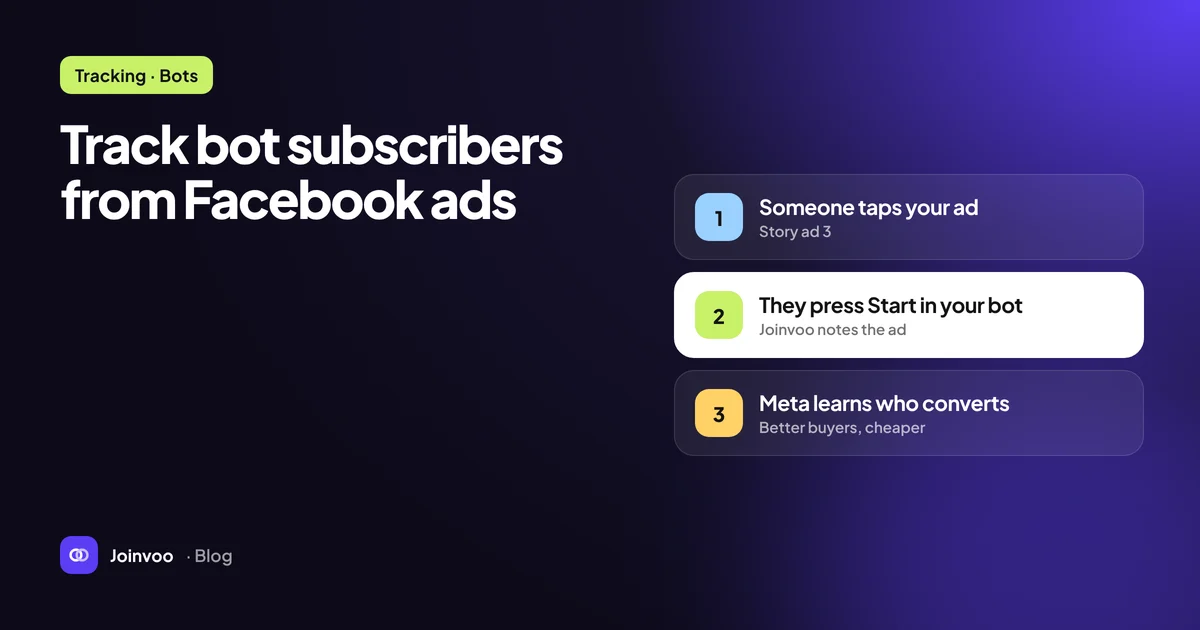
When someone taps your ad, Meta adds a click identifier to the URL (the fbclid parameter). A tracking link on your own domain receives that click first, stores the click ID, the time, the browser user agent and IP address, and any UTM parameters you added. Then it forwards the person to Telegram.
2. Match the click to a join
This is the hard part. Telegram doesn’t pass your click ID through to the channel. You need some way to know that this join came from that click.
The reliable answer is a unique invite link per click. Telegram lets channel admins, including bots with the right permission, create invite links. If every click gets its own fresh link, then when someone joins through it, your bot sees the join event along with the link that was used. Link → click → ad. Done.
Weaker methods exist, like matching by timing (“someone clicked at 14:02 and someone joined at 14:02”) or a single shared link per ad. They break as soon as you have more than a trickle of traffic, and they can’t tell a real joiner from someone who clicked and wandered off.
3. Send the join back to Meta
Now you know a real person joined from a specific click. You send that as a conversion event to Meta through the Conversions API: a server-to-server call that includes the event name, the time, and matching data such as the click ID and hashed identifiers. Meta matches it to the person who clicked and credits the ad.
We cover the Conversions API side in depth in Conversions API for Telegram funnels, explained.
Which event should a join be?
Meta lets you optimise for standard events. For a channel join, the sensible choices are:
| Event | When to use it |
|---|---|
Subscribe | The default for a channel or group join. Clear meaning, rarely used by anything else on your account. |
Lead | If your reporting or other campaigns already treat “lead” as the main KPI. |
CompleteRegistration | If the join really is the sign-up, for example a bot start that registers someone. |
Pick one and stick with it. Switching the optimisation event on a running ad set resets what Meta has learned.
If you also track sign-ups and deposits further down the funnel, those go out as separate events, such as CompleteRegistration and Purchase with a value. That’s how you eventually move from optimising for joins to optimising for revenue. See Cost per FTD vs cost per join: what you should actually optimise for when to make that switch.
Setting it up step by step
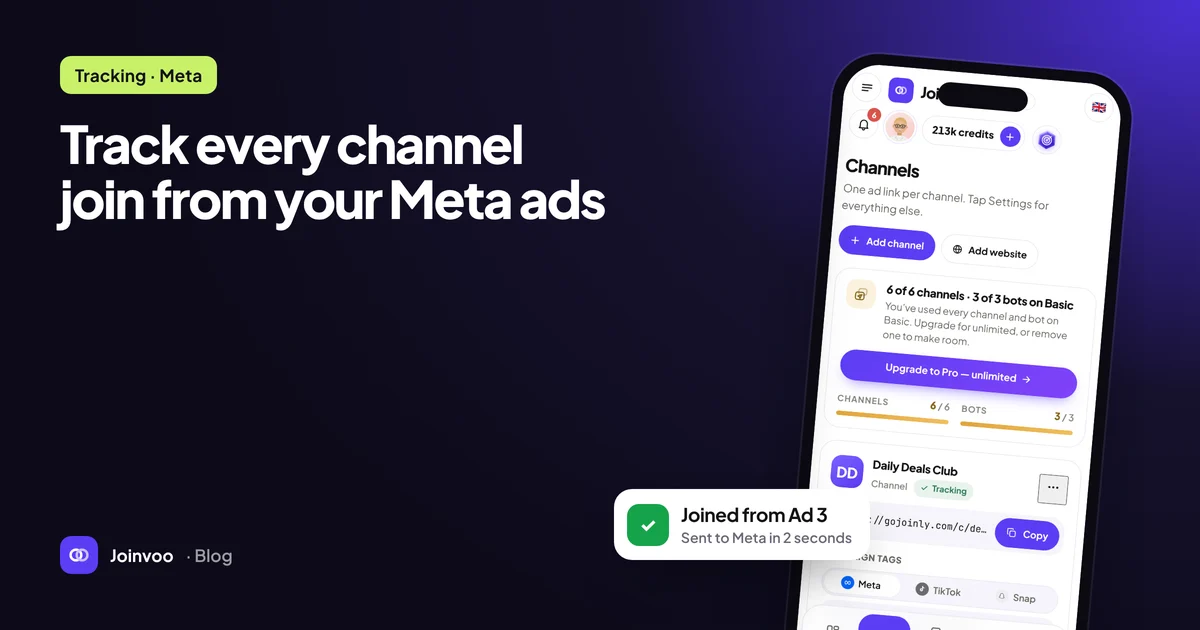
Here is the flow with Joinvoo. The setup guide has screenshots of every screen.
- Create a bot in BotFather and paste its token into Joinvoo. Use a fresh bot just for tracking.
- Add the bot to your channel as an admin with the Invite users via link permission switched on. It needs that right to create invite links. It never posts.
- Connect Meta. Copy your dataset (pixel) ID from Events Manager and generate a Conversions API access token in the dataset’s settings. Paste both and send a test event.
- Copy your tracking link and use it as the ad’s Website URL. Never use the channel’s normal invite link in ads.
- Add URL parameters in the ad so you can see campaign, ad set and ad names on each join:
utm_campaign={{campaign.name}}&utm_term={{adset.name}}&utm_content={{ad.name}}- Create the campaign with the Leads or Sales objective, conversion location Website, your dataset, and the
Subscribeevent. - Test with your phone before spending: open the tracking link with a Telegram account that isn’t in the channel, join, and check that the join appears and Meta received it.
What good tracking looks like after a week
Once data is flowing, you should be able to answer questions that were impossible before:
- Which ad creative brings the cheapest real joiners, not the cheapest clicks?
- Which audience brings people who stay, and which brings people who leave within a day?
- How many of your “joins” were suspicious, like bursts of brand-new accounts, people re-joining over and over, or deleted accounts?
That last one matters more than most buyers expect. If fake or junk joins are sent to Meta as conversions, the algorithm learns to find more of them. Filtering them before they reach the ad platform is one of the most valuable things a tracker does. We dig into it in Why your cost per subscriber lies to you.
Common mistakes
Sending people to the channel’s main invite link. It works for the person joining, but it throws away the click. Every ad must point at the tracking link.
Forgetting to clear the test code. Meta’s Test events tool is great for checking setup, but if you leave the test code in place, real events only appear in the test tab.
Expecting Meta’s numbers to match yours exactly. Meta only counts events it can match to one of its users and removes duplicates. A gap between your tracker and Ads Manager is normal. A growing gap is worth investigating.
Changing the conversion event mid-flight. If you need to switch from Subscribe to something deeper, do it on a new ad set and let the old one keep running until the new one has learned.
The short version
Meta can’t optimise for what it can’t see. A per-click invite link connects the click to the join, and the Conversions API carries the join back to Meta. Set it up once, test it with your phone, and every campaign after that learns from real subscribers.
Ready to try it? Create a free account. Your first 500 tracked joins are free and setup takes about ten minutes.