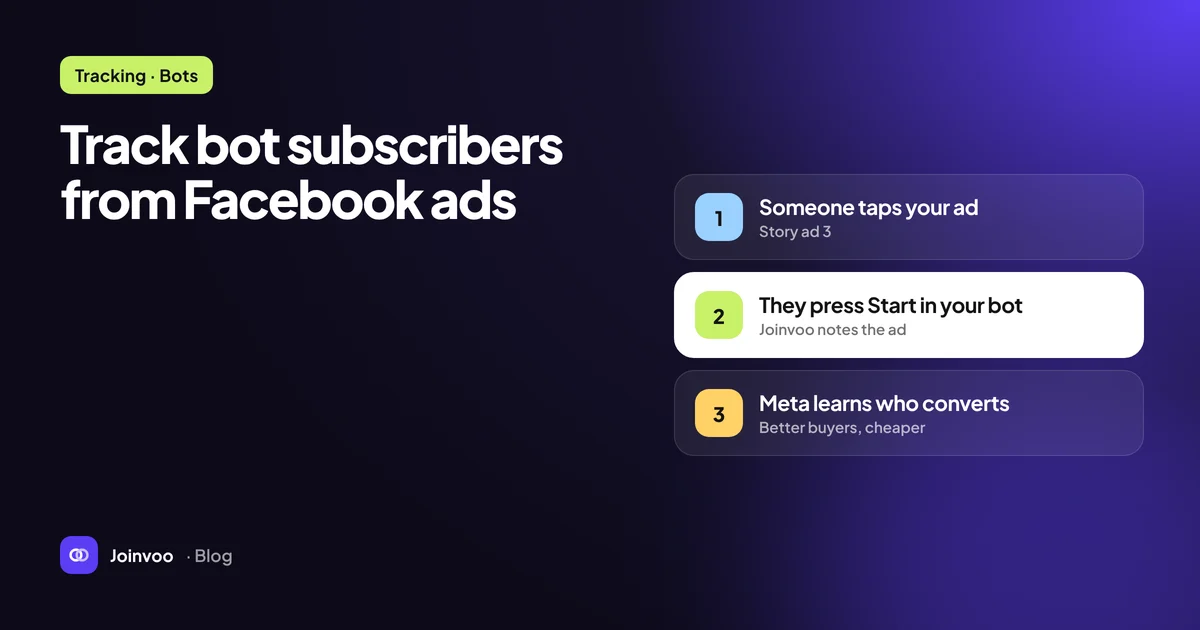
“CAPI” gets thrown around in every media buying chat, usually as a magic word. It isn’t magic. It’s a pipe. Understanding what goes through that pipe, and what doesn’t, is the difference between campaigns that learn and campaigns that drift.
This post explains server-side conversion APIs in plain language, with a Telegram funnel as the running example. We’ll mostly use Meta’s terms, then cover how TikTok and Snapchat differ.
Pixel vs server: what’s the actual difference?
A pixel is a script that runs in the visitor’s browser. When something happens on the page, the browser sends an event to the ad platform. It’s easy to install, but it depends on the browser: ad blockers, privacy settings and in-app browsers can all stop it. Above all, it only works on pages where it’s installed.
A Conversions API (Meta calls it CAPI, TikTok calls it the Events API, Snap calls it the Conversions API) is an HTTP endpoint. Your server sends the event directly to the platform. No browser involved.
For most websites, CAPI is a backup that recovers events the pixel lost. For a Telegram funnel, it’s the only option for the events that matter, because joins, bot starts and deposits never happen on a page you control.
What’s inside a server event
Every platform’s format is a bit different, but conceptually each event carries the same four groups of information.
1. What happened
The event name, such as Subscribe, Lead, CompleteRegistration or Purchase, plus optional custom data like a value and currency for a purchase.
2. When it happened
A timestamp. Platforms only accept events within a recent window (Meta generally accepts events up to seven days old), and fresher is better, because the algorithm adjusts faster.
3. Where it happened
Meta asks for an action_source, for example website for an event tied to a web visit. For a Telegram join that started from a click on your tracking page, the click is the web touchpoint the platform can match against.
4. Who it happened to
This is the matching data, and it’s where most setups win or lose:
| Signal | What it is | Why it matters |
|---|---|---|
| Click ID | fbclid (Meta), ttclid (TikTok), ScCid (Snap), stored from the ad click | The strongest link between your event and the exact ad click |
| IP address and user agent | Captured when the person hit your tracking link | Help the platform confirm the device and session |
| External ID | Your own stable ID for the person, hashed | Lets the platform connect repeat events from the same person |
| Email / phone | Hashed with SHA-256 before sending | Strong matches, but a Telegram join usually doesn’t give you these |
The platform takes these signals and tries to find the user who saw and clicked the ad. Meta shows how well that works as an Event Match Quality score in Events Manager. More good signals, better match, better optimisation.
Deduplication: when pixel and server both fire
If you have a landing page with a pixel and you also send server events, the same conversion might arrive twice. Platforms deduplicate using an event ID: send the same event_id (and the same event name) from both the browser and the server, and the platform keeps one.
For Telegram joins this rarely comes up, because the join only exists server-side. It matters if you fire a Lead on a landing page and send a Lead for the join. Our advice: keep page events and join events as different event names, so they never collide and you can read each one cleanly.
Why server events change optimisation
Here’s the part that matters for your wallet. When you pick an optimisation event in an ad set, the delivery system builds a model of who’s likely to perform that event. It learns from every conversion it can attribute.
If the only events it sees are clicks, it learns clickers. Once it receives Subscribe for every real join, it learns joiners. If it later receives Purchase with a value for every first deposit or sale, it can learn buyers.
This is also why what you send matters as much as whether you send:
- Send junk joins (bot accounts, bursts of brand-new accounts, the same person joining and leaving five times), and you’re paying the algorithm to find more junk.
- Send the same join twice, and you inflate results and confuse learning.
- Send events late, in batches days later, and the algorithm adjusts slowly.
We go deeper on the junk problem in Why your cost per subscriber lies to you.
How the three platforms compare
The concepts carry over. The names change.
| Meta | TikTok | Snapchat | |
|---|---|---|---|
| Server API | Conversions API | Events API | Conversions API |
| Click ID | fbclid | ttclid | ScCid |
| Join event | Subscribe / Lead | Subscribe / CompleteRegistration | SUBSCRIBE / SIGN_UP |
| Deposit or sale | Purchase + value | CompletePayment + value | PURCHASE + value |
| Where to get credentials | Events Manager → dataset → Settings | Ads Manager → Events → your pixel → Settings | Ads Manager → Events Manager → your Snap Pixel |
All three use an ID for the pixel or dataset plus an access token. The token is a secret: anyone who has it can send events to your pixel, so treat it like a password.
For the platform-specific walkthroughs, see TikTok ads to Telegram: the full setup and Snapchat ads for Telegram channels: a practical playbook.
Testing a server setup
Every platform has a way to check events before you go live.
- Meta: open Test events in Events Manager, copy the test code, add it to your test request, and watch the event arrive. Remove the code before going live, or real events will only show in the test tab.
- TikTok: the Events Manager has a test events view for your pixel that shows incoming server events.
- Snapchat: the Conversions API has a validation endpoint that checks your ID, token and payload without recording a real event.
Then do one real end-to-end test: click your own ad link on your phone, join, and confirm the platform received the event. The setup guide walks through this for Joinvoo, including how to read the error a platform sends back when something is wrong. The most common one by far is an expired or mistyped access token.
Where Joinvoo fits
You can build all of this yourself: tracking page, click storage, per-click invite links, a bot that listens for joins, matching, filtering, retry logic for failed sends, and three different API formats. Plenty of teams do.
Or you can paste a pixel ID and token into Joinvoo and get it for Meta, TikTok and Snapchat at once, with fake-join filtering before anything is sent. Start free. The first 500 joins are on us.