A media buyer posted a freelance job recently with a problem we hear often. They wanted a “Telegram pixel” to track joins from Facebook ads, but every tool and tutorial they found told them to turn on request-to-join first. They didn’t want to: approval adds a step, some people never come back to it, and their channel was built around instant joins.
The good news: you can track joins on a normal, open channel. Here’s how.
Why people think you need join requests
Telegram doesn’t tell anyone which link a person used to join, unless one of two things is true:
- The link was created by your bot. When someone joins through an invite link your bot made, Telegram’s update to the bot includes the link.
- The person sent a join request. A join request arrives at your bot with the person’s ID, before they’re let in.
Most tutorials use option 2, because it’s simple to explain: the request lands, you approve it, done. But option 1 works just as well for tracking, with no approval step.
How tracking works without join requests
The trick is to give every ad click its own invite link.
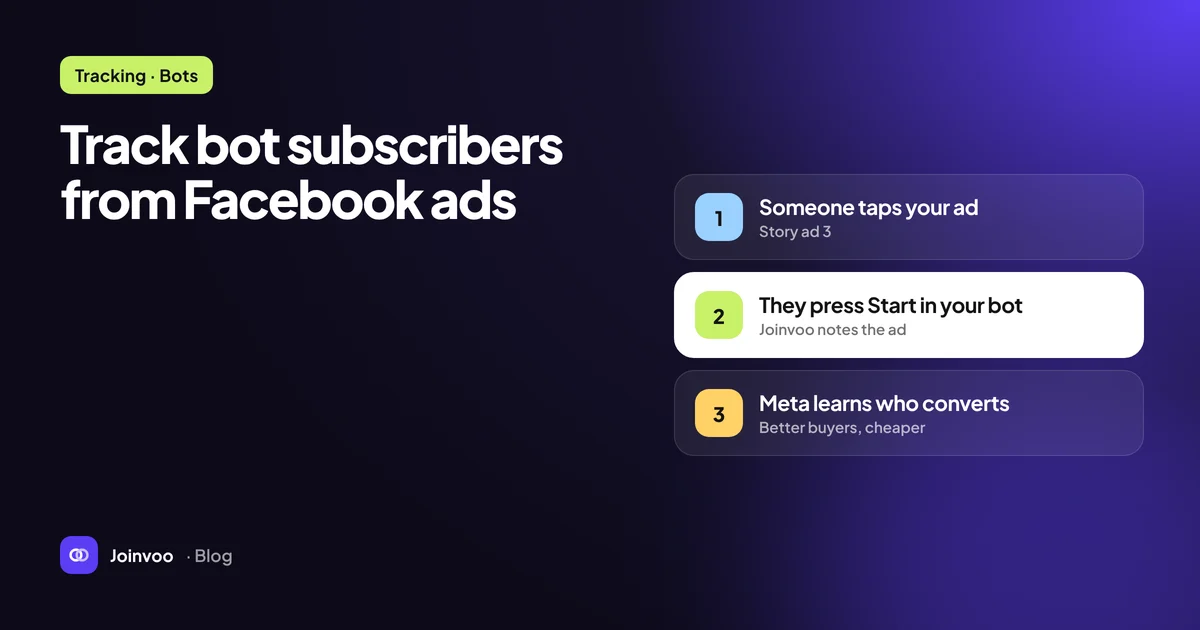
- Your ad points to a tracking page. It loads in a fraction of a second and saves the click: Meta’s
fbclid, the_fbpcookie, IP, device and any UTM tags. - The page hands that person a fresh invite link that nobody else will get, and opens Telegram.
- The person taps Join and is in immediately.
- Your bot sees the join and the exact link used. That link belongs to one click, so you know which ad, ad set and campaign brought this person.
- The join is sent to Meta through the Conversions API, with the click ID and browser ID from step 1.
That’s a Telegram pixel without join requests: instant joins, exact matching, and Meta optimising for real members.
When request-to-join is still worth it
There’s one job join requests do better: talking to the person straight away.
When someone requests to join, your bot can message them before letting them in, even if they’ve never started your bot. That opens a powerful option for affiliate funnels:
- welcome them with your offer button, and
- put their Telegram ID in the offer link (for example
afftrack={tg_id}for IQ Option, orsub1={tg_id}for most programs).
Then when they register or deposit, your affiliate program’s postback brings their Telegram ID back, and the deposit matches to the exact person and ad. Postbacks 101 for media buyers explains the postback side.
So the honest answer:
| You want to… | Use |
|---|---|
| Track joins and send them to Meta, with instant joins | Per-click invite links (no join requests) |
| Also message each new member with a personal offer link | Request-to-join |
| Track deposits back to the ad | Request-to-join with {tg_id} in the offer link, or a bot funnel |
You can also mix them: run normal links for one channel and request-to-join for another.
Track this in Joinvoo, free.Every join, start and deposit matched to the ad that drove it. First 500 joins on us.Start freeWhat doesn’t work
One public link in all your ads. If every ad uses t.me/yourchannel, you can see that your channel grew, but not who joined from which ad. Any tool that “tracks” this way is estimating, not tracking. It spreads new members across your ads by time or by count, and the numbers Meta receives are guesses.
Firing the pixel on the landing page. A Lead on page load counts people who saw a button, not people who joined. That’s how you end up with Meta reporting far more leads than your channel gains. We covered it in Facebook says 900 leads, Telegram says 40: why your numbers don't match.
Setting it up in Joinvoo
- Connect your bot, then add it as an admin of your channel with invite users permission.
- Leave request-to-join switched off (channel card → Settings → Join method). That’s the default, so joins stay instant.
- Add your Meta pixel ID and access token (TikTok and Snapchat work the same way).
- Use your Joinvoo tracking link in your ads.
If you later want deposit tracking, switch that channel to Request-to-join and add your offer link with {tg_id}. Nothing else changes.
See How to track Telegram channel joins from Meta ads for the full walkthrough, or start free. The first 500 joins are on us.