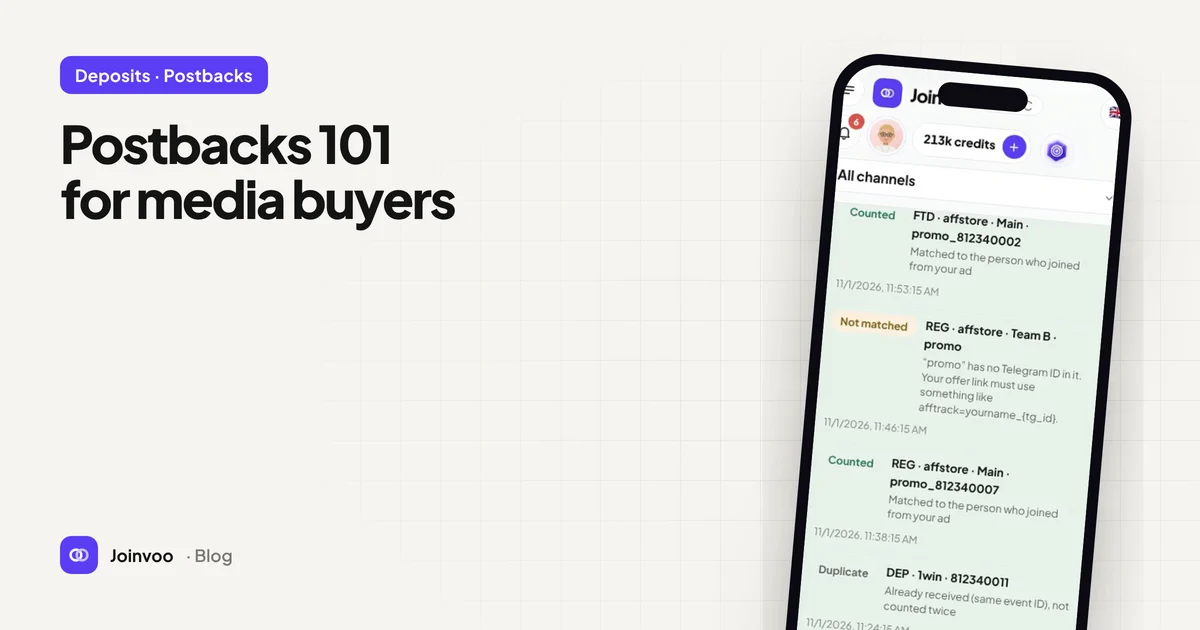
If join tracking tells you who arrived, postbacks tell you who paid. They’re the bridge between your Telegram funnel and the revenue at the end of it, and they’re less complicated than they look.
This is the primer we wish every new media buyer had.
What a postback actually is
A postback is just a URL that gets called when something happens.
When a person signs up, makes a first deposit or buys something on the offer side, the platform that sees it (an affiliate network, a tracker such as Keitaro or Binom, a CRM or the merchant’s own backend) calls a URL you gave it. That URL points at your tracker and contains details about the event in its parameters.
https://tracker.example.com/pb/YOUR-KEY?sub1=7012345678&status=ftd&payout=40¤cy=USD&txid=abc123Your tracker reads the parameters, finds the person, and records the conversion. No browser, no pixel, no cookies. That’s why it’s called server-to-server, or S2S.
The sub ID is the whole trick
A postback is only useful if your tracker can tell who converted. That’s what the sub ID is for.
- When you send someone to the offer, you add an ID to the offer link, usually in a parameter called
sub1,subid,aff_suborclick_id, depending on the network. - The network stores it alongside that visitor.
- When the visitor converts, the network puts the same ID into the postback.
- Your tracker looks it up and knows exactly who it was.
If step 1 is missing, the network has nothing to send back, and the postback is useless.
Which ID to use in a Telegram funnel
In a web funnel, the sub ID is usually a click ID. In a Telegram funnel, the best ID is the person’s Telegram user ID, because:
- Your bot knows it the moment someone presses Start or joins through a join request.
- It’s stable. The same person always has the same ID.
- It links everything: the ad click, the join, the bot conversation and the eventual deposit.
So the offer link your bot sends looks like this, with the person’s ID filled in:
https://offer.example.com/?sub1=7012345678Macros: the network’s fill-in-the-blanks
When you paste a postback URL into a network, you don’t type real values. You use the network’s macros, placeholders it replaces with real data when it fires the postback.
Every network names them differently. The idea is always the same:
| You want | You put in the postback | Example macros (vary by network) |
|---|---|---|
| The ID you passed out | sub1= | {sub1}, {sub_id_1}, {aff_sub} |
| What happened | status= | {status}, {goal}, or a fixed value per postback |
| How much it was worth | payout= | {payout}, {revenue}, {amount} |
| A unique transaction ID | txid= | {transaction_id}, {tid} |
The most common mistake is using your placeholder name instead of the network’s macro. If you paste sub1={telegram_id} and the network doesn’t know {telegram_id}, it sends the literal text, and nothing matches. Always check the network’s postback help page for its exact macro names.
Event types: sign-up, FTD, repeat, sale
Most networks let you fire different postbacks for different events, or send one postback with a status parameter. The useful set for media buyers:
- Lead / registration: someone signed up. Early signal, more volume.
- FTD (first-time deposit) or first purchase: the event that usually earns the payout.
- Repeat deposit / rebill: later revenue from the same person.
- Sale: a one-off purchase, a course, a subscription.
- Rejected / chargeback: something was reversed. Your tracker should remove the revenue, and should not tell the ad platforms anything.
Send value with every revenue event. It’s what turns cost per FTD into ROAS.
Where the postback goes next
Receiving a postback is half the job. The other half is forwarding it to your ad platforms, so they can optimise for buyers instead of joiners.
When Joinvoo receives a postback, it finds the person by Telegram ID, finds the ad click that brought them, and sends the conversion to every connected platform through their server APIs:
| Event | Meta | TikTok | Snapchat |
|---|---|---|---|
| Registration | CompleteRegistration | CompleteRegistration | SIGN_UP |
| First deposit / sale | Purchase + value | CompletePayment + value | PURCHASE + value |
Then you can choose those events as your optimisation target once you have enough volume. When to make that switch is a judgement call; Cost per FTD vs cost per join: what you should actually optimise lays out how to make it.
Testing a postback
Never trust a postback you haven’t seen fire.
- Most networks have a test postback button. Use it with a real Telegram ID from your own test account.
- Check that your tracker shows the event, matched to the right person.
- Check that the status and payout came through as numbers, not as literal macro text like
{payout}. - If it doesn’t match, the sub ID is almost always the reason: either the bot isn’t adding it to the offer link, or the network isn’t sending it back.
Common failure modes
The sub ID never left. The offer link in your bot or welcome message has no sub1. Fix the link.
The wrong macro. The postback contains {sub1} literally. The network uses a different macro name.
Duplicate events. The network fires the same FTD twice. A unique transaction ID lets your tracker ignore the duplicate.
Timezones and delays. Some networks batch postbacks. If FTDs arrive hours late, ad platforms still accept them within their window, but your daily reports will shift. Know your network’s behaviour.
Recap
Pass an ID out. Get the same ID back. Use the network’s macros, not your own placeholder names. Send value with revenue events. Forward everything to your ad platforms so they learn from buyers.
Postbacks are part of Joinvoo Pro, and every account gets a free deposit-tracking trial. Create your account and follow the postback steps in the setup guide.