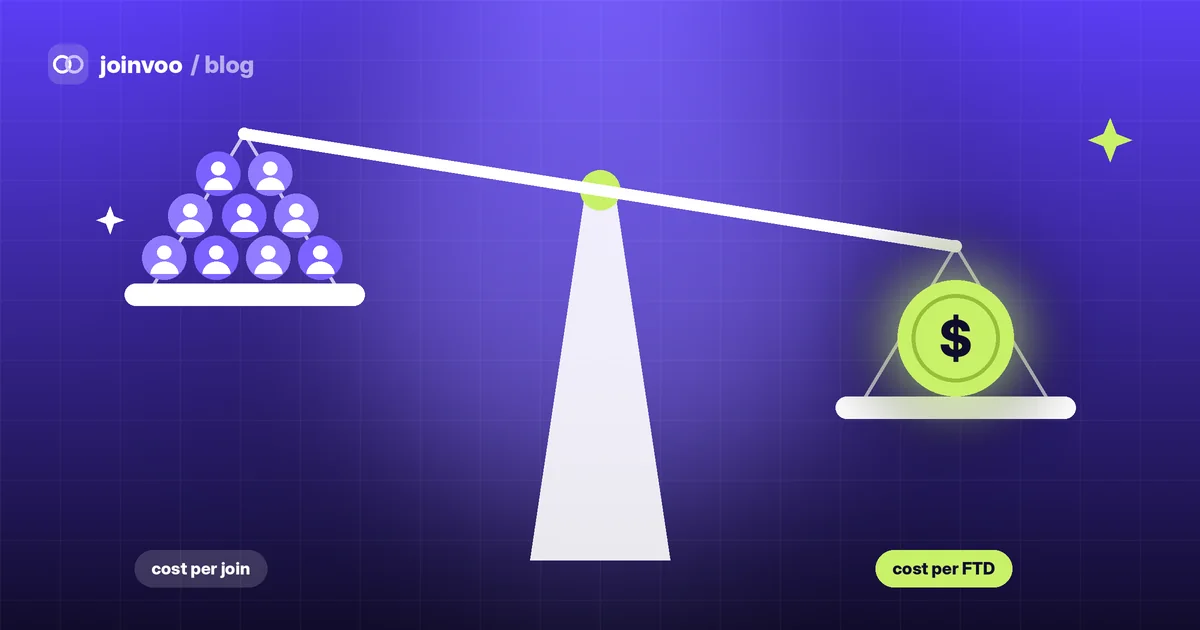
Two ads, same cost per join. One brings people who stay, read your posts and deposit within a day. The other brings people who leave before your first post. On cost per join they’re twins. In your bank account they’re not.
These reports are about the part between the join and the deposit, where most of the difference between ads hides.
Who stays after 24 hours and 7 days
For channels and groups, Joinvoo already sees when someone leaves. Now every ad, ad set, campaign and country shows two numbers (Results → Campaigns → Quality):
- Stayed 24h: of the people this ad brought, how many were still in a day later.
- Stayed 7 days: the same, a week later.
Only joins old enough count. A person who joined two hours ago isn’t counted as stayed or left for the 24-hour figure yet. If you’ve added your spend, you also see the cost per person who stayed, which is often a very different ranking from cost per join.
How long people take to deposit
Some ads bring people who deposit within the hour. Others bring people who need a few days of your posts first. Both can be fine, but you need to know which is which before you judge an ad.
For each ad you now see the median time from join to first deposit, plus how many first deposits came within 1 hour, 24 hours and 7 days. If an ad’s people usually take 3 days, don’t kill it after 24 hours with zero deposits.
Best hours
Results → Best hours shows a grid of days and hours in your own time zone, with your joins and your first deposits. Once there are enough deposits, a plain line at the top tells you when your depositors come in, e.g. “Tuesdays and Wednesdays, 6pm–10pm”. Use it for dayparting, or to time your posts and lives.
Track this in Joinvoo, free.Every join, start and deposit matched to the ad that drove it. First 500 joins on us.Start freeCompare two ads side by side
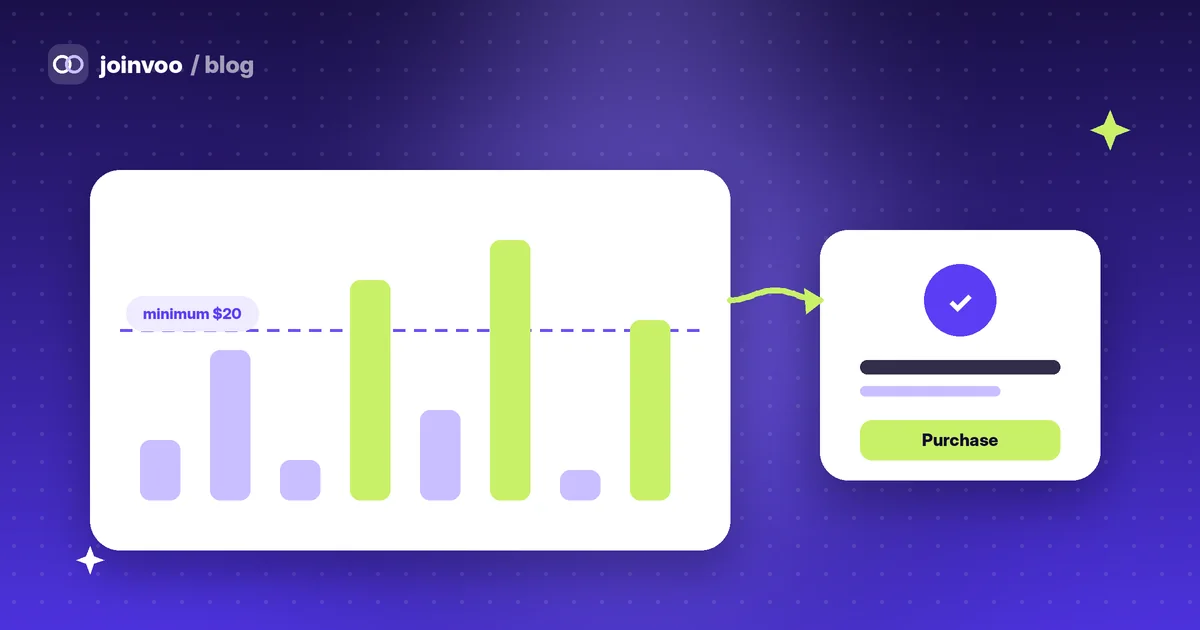
In Results → Campaigns, tap Compare, pick two ads (or ad sets, or campaigns) and you get one screen with everything next to each other: joins, join rate, sign-ups, first deposits, deposit value per join, who stayed, time to deposit and cost. The better number in each row is marked, and the top line says it plainly, e.g. “Ad B brings 2.3× more deposits per join.”
It’s the fastest way to settle the “which creative is better” argument with numbers instead of feelings.
How to use them together
- Filter by quality first. An ad with a low 7-day stay rate is buying people who don’t stick, however cheap the join.
- Respect the deposit clock. Judge each ad after its usual time to deposit, not before.
- Compare like with like. Same country, same dates, same offer. Then Compare tells you which creative to scale.
- Time your spend. If deposits cluster in the evening, that’s when your budget should work hardest.
Cheap joins are easy to buy. People who stay and deposit are what you’re actually paying for, and now you can see them ad by ad.