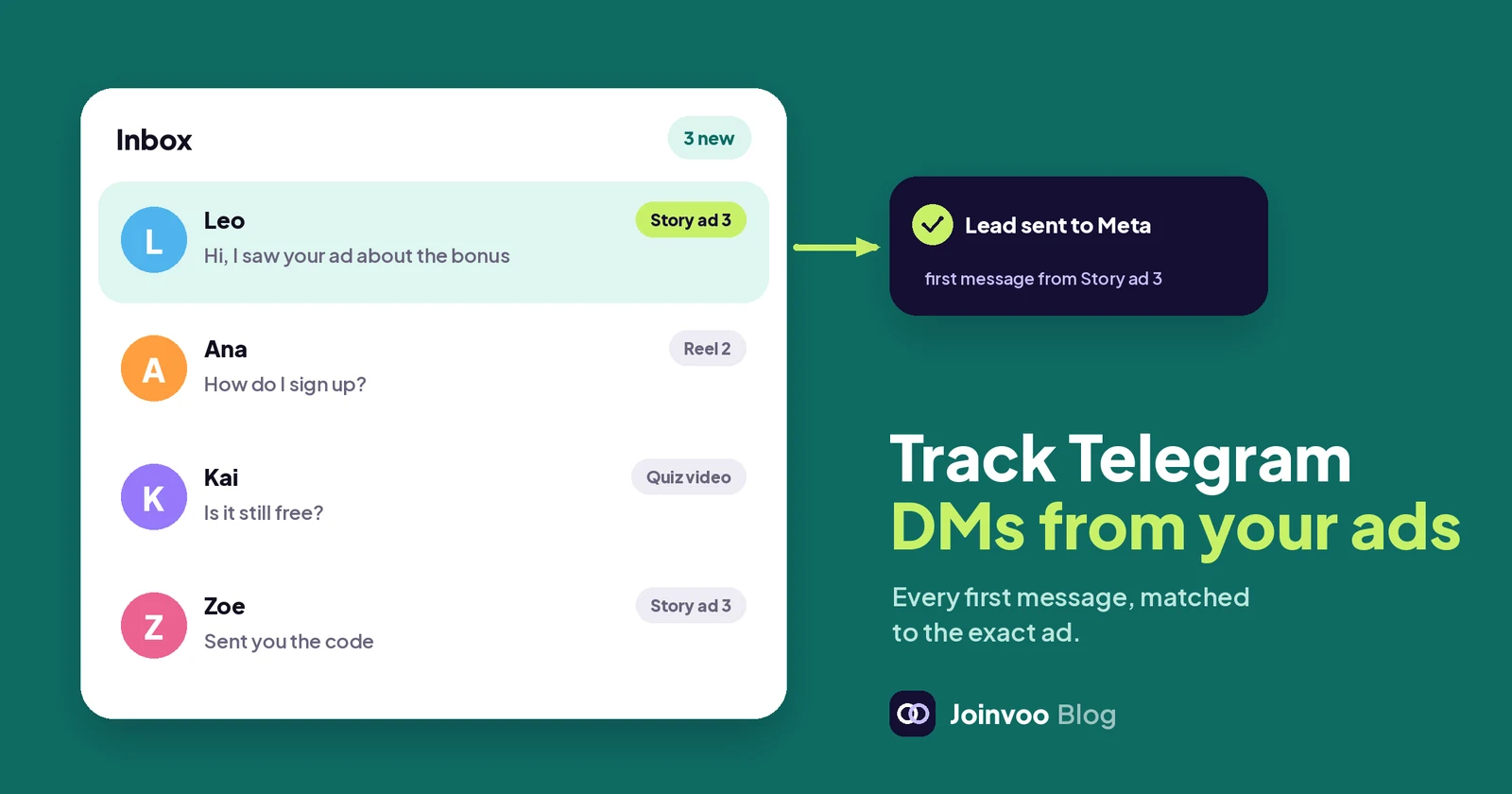
If your ads send people straight to a Telegram chat, you already know the two problems. First, Ads Manager stops at the tap: it never learns who actually sent you a message, so it keeps finding people who tap and leave. Second, the chats pile up on one phone, and the only way to get help answering them is to hand your Telegram login to someone else.
Team inbox fixes both. Here’s exactly how it works, how to set it up, and how to run it with a team.

What Team inbox is
Team inbox is a shared inbox inside Joinvoo for the Telegram chats that come from your ads. Think of it as your Telegram, but built for selling with a team:
- One list of every chat, newest first, with the ones waiting for a reply on top.
- The ad on every chat: which campaign, ad set and ad the person came from.
- Results on the same chat: when that person deposits or buys, you see it right there.
- Your team inside, each person with their own login, answering from your account.
Your leads see nothing new. They message your normal Telegram account the way they always have.
How it works behind the scenes
Telegram lets a business account add a chatbot that can read and answer its chats (Telegram calls this Telegram Business). Joinvoo uses that:
- You make a small helper bot for your account. It never messages anyone by itself.
- You add that bot to your own Telegram in Settings → Telegram Business → Chatbots.
- When a lead messages you, the helper bot passes the chat to Joinvoo. Joinvoo matches it to the ad click, shows it in Team inbox, and sends a Lead to Meta (or TikTok, Snapchat) for that exact ad.
- When someone on your team replies in Team inbox, the helper bot sends it from your account. To the lead it looks like you answered.
Leads never see the helper bot, and it never touches your groups, channels or old messages.
Set it up in about 2 minutes
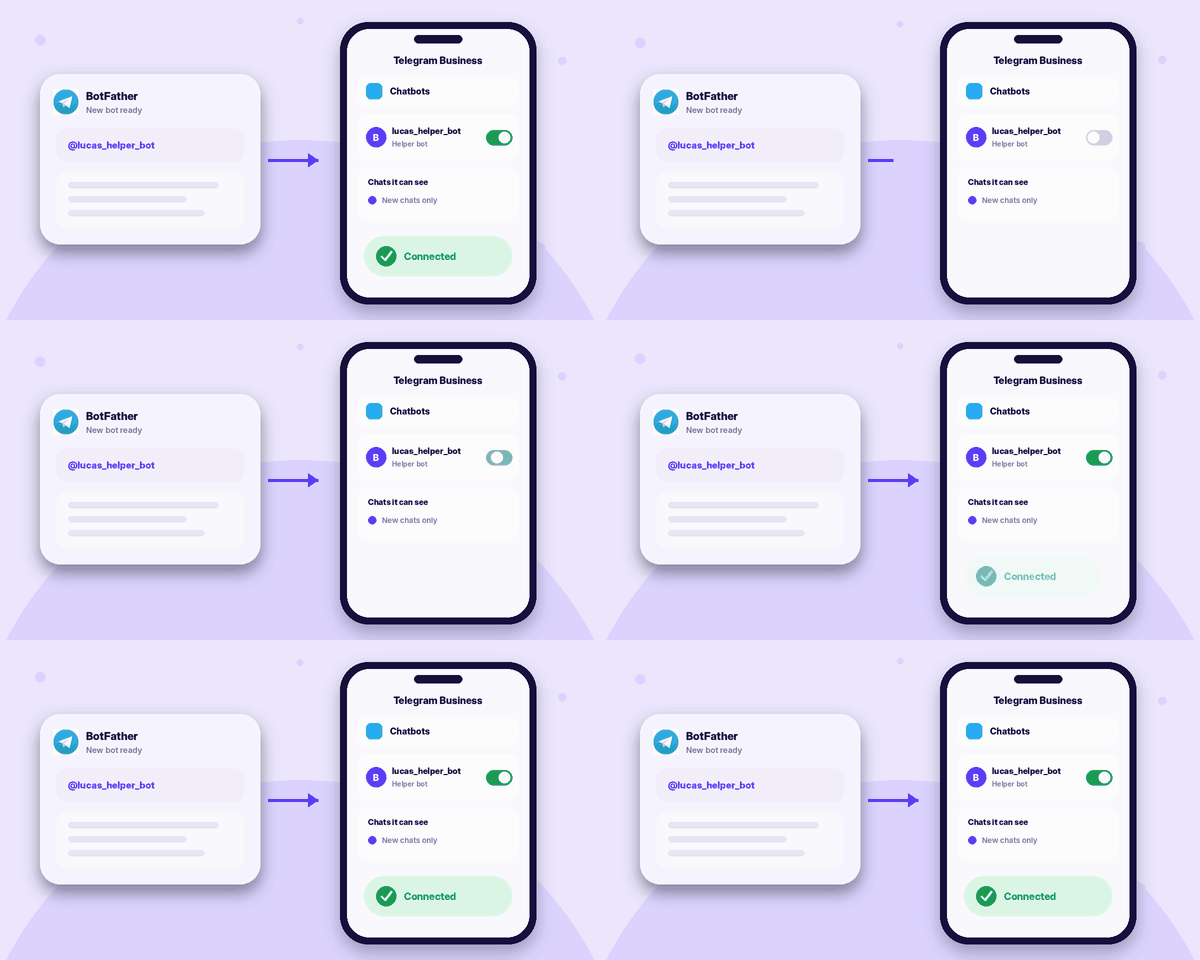
Open Team inbox in Joinvoo and tap Connect a Telegram account. The setup has two steps and checks each one for you.
Step 1: make the helper bot
- In Telegram, open @BotFather (the one with the blue tick) and send
/newbot. - Give it any name, then a username that ends in
bot, for examplelucas_helper_bot. - In BotFather, open the bot’s settings and turn on Business Mode.
- Copy the token BotFather sends you and paste it into Joinvoo.
Step 2: add it to your Telegram
- On the Telegram account your leads message, open Settings → Telegram Business → Chatbots.
- Add your helper bot.
- Under which chats it can see, pick New chats or Non-contacts. Chats with family and friends stay private.
- Joinvoo shows the account it found and asks “Is this your Telegram account?”. Tap Yes, that’s it.
That’s it. New chats start showing up in Team inbox, and you’re taken straight there.
Track this in Joinvoo, free.Every join, start and deposit matched to the ad that drove it. First 500 joins on us.Start freeSee which ad every chat came from
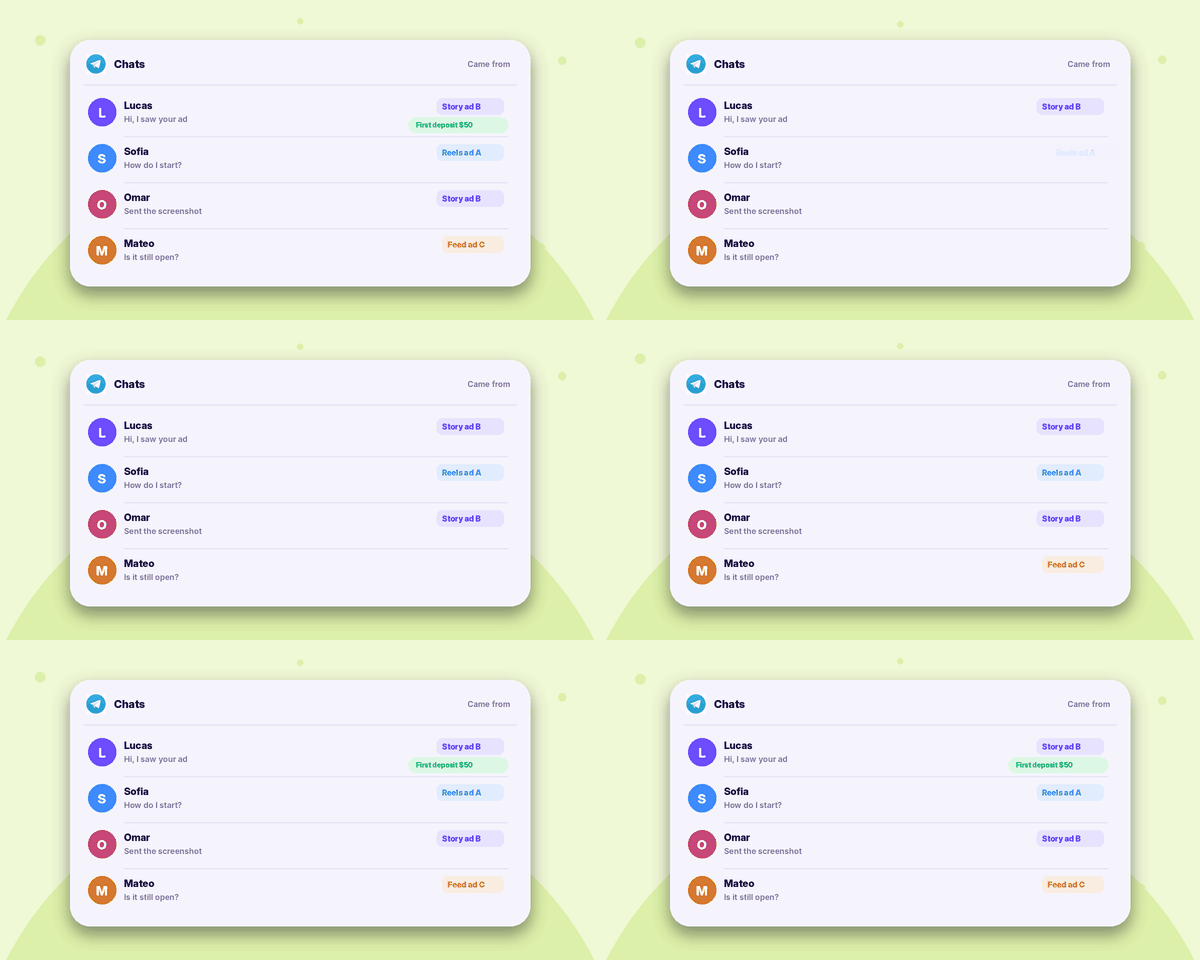
This is the part a normal Telegram can’t do. Each chat in Team inbox carries the ad it came from, so you can:
- See which ads bring real conversations, not just taps. An ad with cheap clicks and no chats is easy to spot.
- See which ads bring buyers. When a lead deposits or buys, it’s matched to the same person and shows on the chat, and in your results per ad.
- Teach your ad platform to find talkers. Joinvoo sends a Lead event when someone sends their first message, so Meta learns from people who actually start a conversation. Your cost per real chat drops over time.
For the most exact matching, send people to your chat through Joinvoo’s own link for that account (you get it after setup). In the chat’s settings, How it opens also lets you use a mini app, which tells Joinvoo exactly who tapped your ad.
Answer as a team, without sharing your login
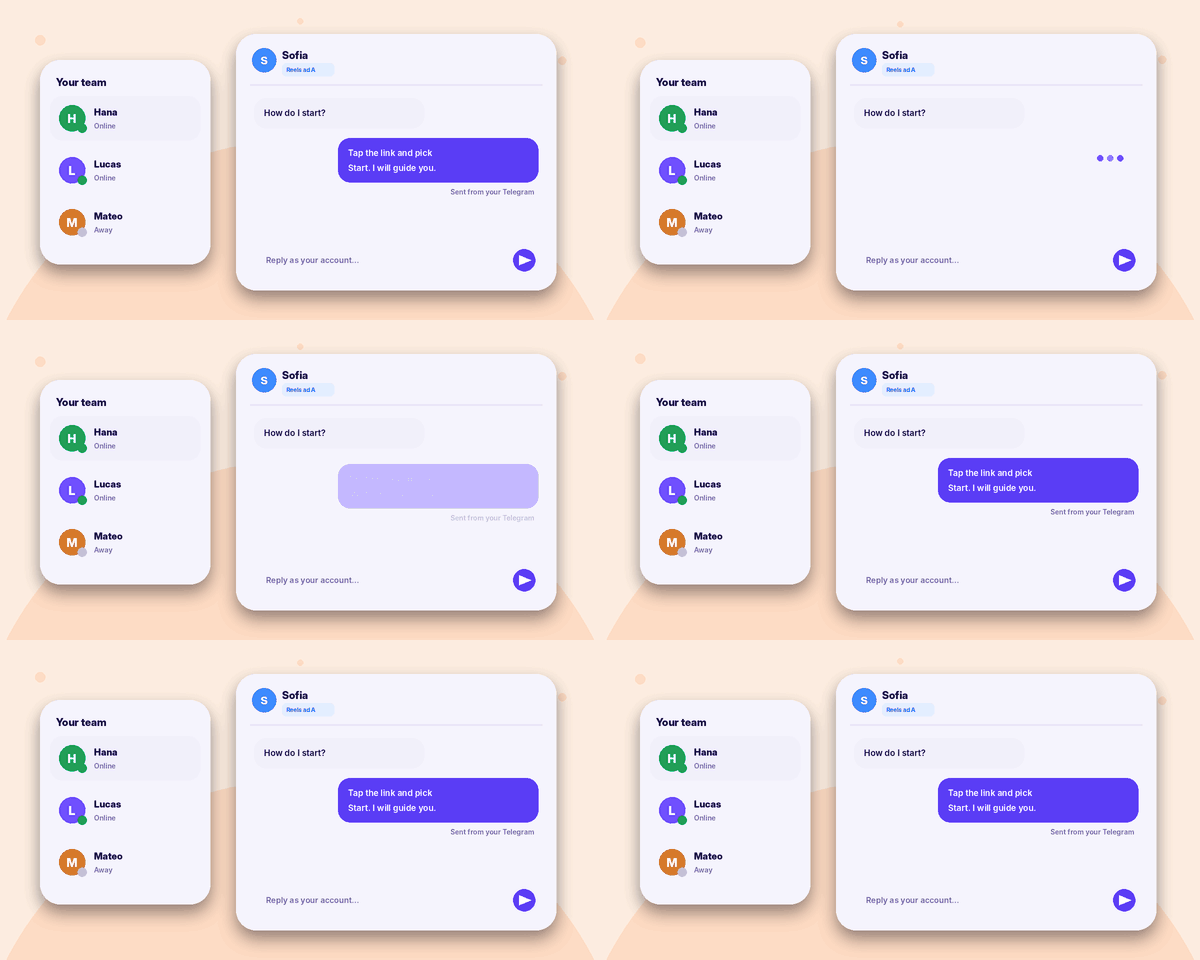
Giving your Telegram login to staff is risky: they can see everything, change settings, and you can’t tell who said what. With Team inbox:
- Invite teammates from More → Team. Each person gets their own Joinvoo login.
- They reply from Team inbox. The message is sent from your Telegram account, so the lead sees one consistent conversation.
- You see who answered and how fast. Every reply is marked with the teammate who wrote it, and Team performance ranks your team by replies and first-reply speed.
- Assign chats, leave notes, use saved replies. Give a chat to one teammate, leave a note for the next shift, and answer common questions with one tap.
- Voice notes, photos and screenshots come through, so a deposit receipt sent in the chat can be checked right there.
You can also let AI replies answer simple questions in your voice, and Flows handle the usual steps (greet, send the link, follow up). Your team steps in whenever they want.
Choose who sees what
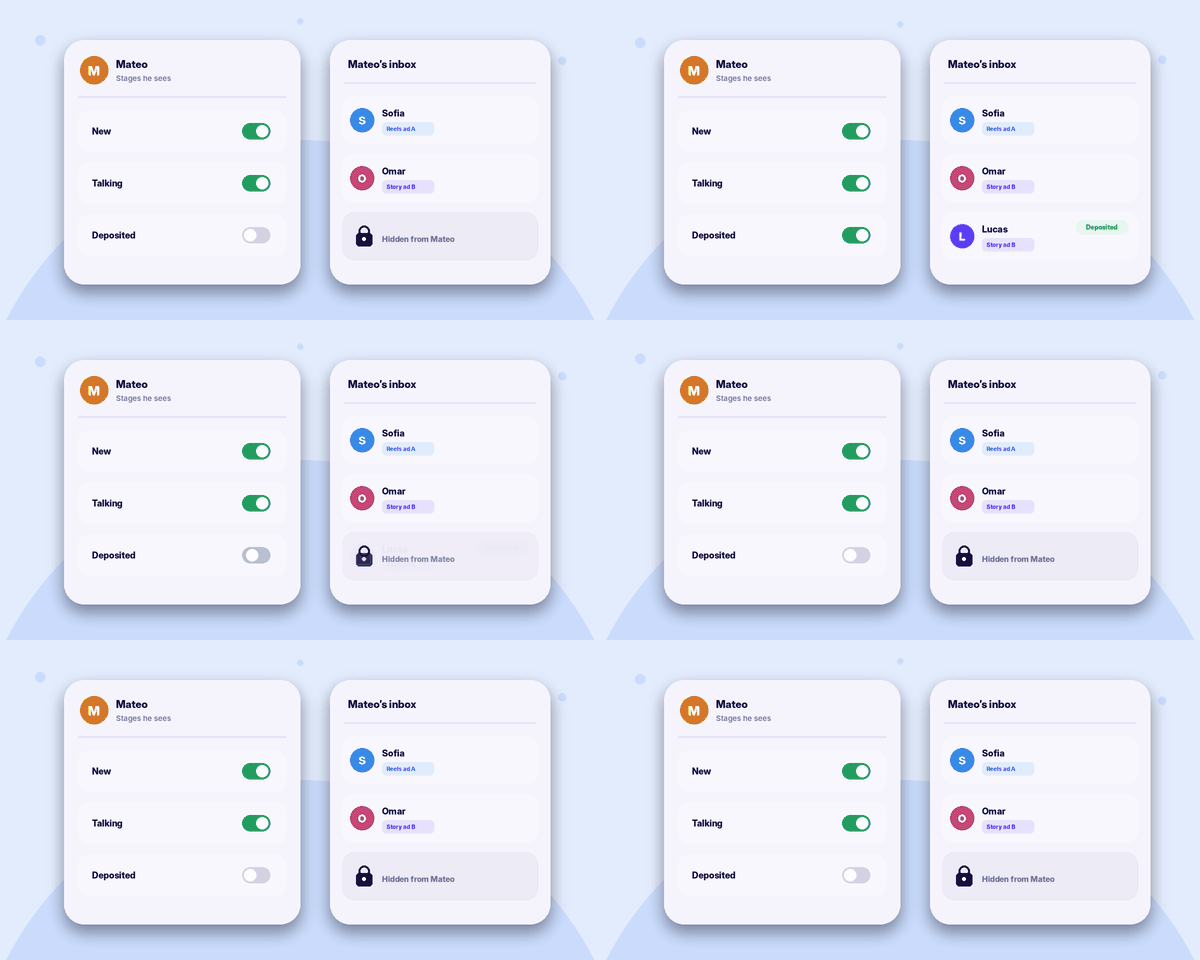
Not every teammate should see every customer. In Team inbox → Who sees what you choose, per person:
- Which stages they see, like folders. For example New and Talking, but not people who already deposited.
- Only chats assigned to them, so a customer you give to your best closer stays with that person.
- Whether they see amounts. Off: they see who deposited, but no amounts or money totals.
- Who can change this. Only you, or the managers you allow.
The teammate simply doesn’t see what you’ve hidden. Nothing changes for the customer.
Tips from running it every day
- Connect the account your ads already point to. Don’t create a new one just for this, your leads already know it.
- Answer the first message fast. The first reply decides most conversations. Team performance warns a teammate on their screen when a customer has waited too long.
- Use the ad tags to cut ads, not just to report. If an ad brings chats but never a deposit, it’s the first one to pause.
- Keep personal chats out. Pick New chats or Non-contacts in Telegram Business, so only chats from people you don’t know yet come in.
Common questions
Do my leads see Joinvoo or a bot? No. They keep chatting with your normal Telegram account. The helper bot works in the background.
Do I need Telegram Premium? Yes, on the account you connect. It’s Telegram’s rule for chatbots. Your teammates don’t need it.
Can I still answer from my own phone? Yes. Keep using Telegram as normal. Team inbox is an extra place to answer, not a replacement.
Why does an old chat say “Reply in Telegram”? Telegram only lets a chatbot reply in chats that got a message in the last 24 hours. For older chats, answer from your phone. As soon as the person writes again, your team can reply from Team inbox.
Is it safe? Message text is encrypted when stored, and only your own team reads it, inside Team inbox. Nobody at Joinvoo has a screen that lists your chats.
What does it cost? Team inbox is an add-on. You see the price in Team inbox before you turn it on, and Joinvoo asks before taking any credits.
Does it see my groups or old messages? No. Only the private chats you allow in Telegram Business, from the moment you connect.
Ready to try it? Open Team inbox in your dashboard and tap Connect a Telegram account. If you’d like to go deeper on team access, read Share the work, not your Telegram login: give each teammate the chats they need.