Most Telegram funnels leak at the same spot: the first minute. Someone taps your ad, lands on your bot or asks to join your channel, and then nothing happens. By the time a person replies, the lead has moved on.
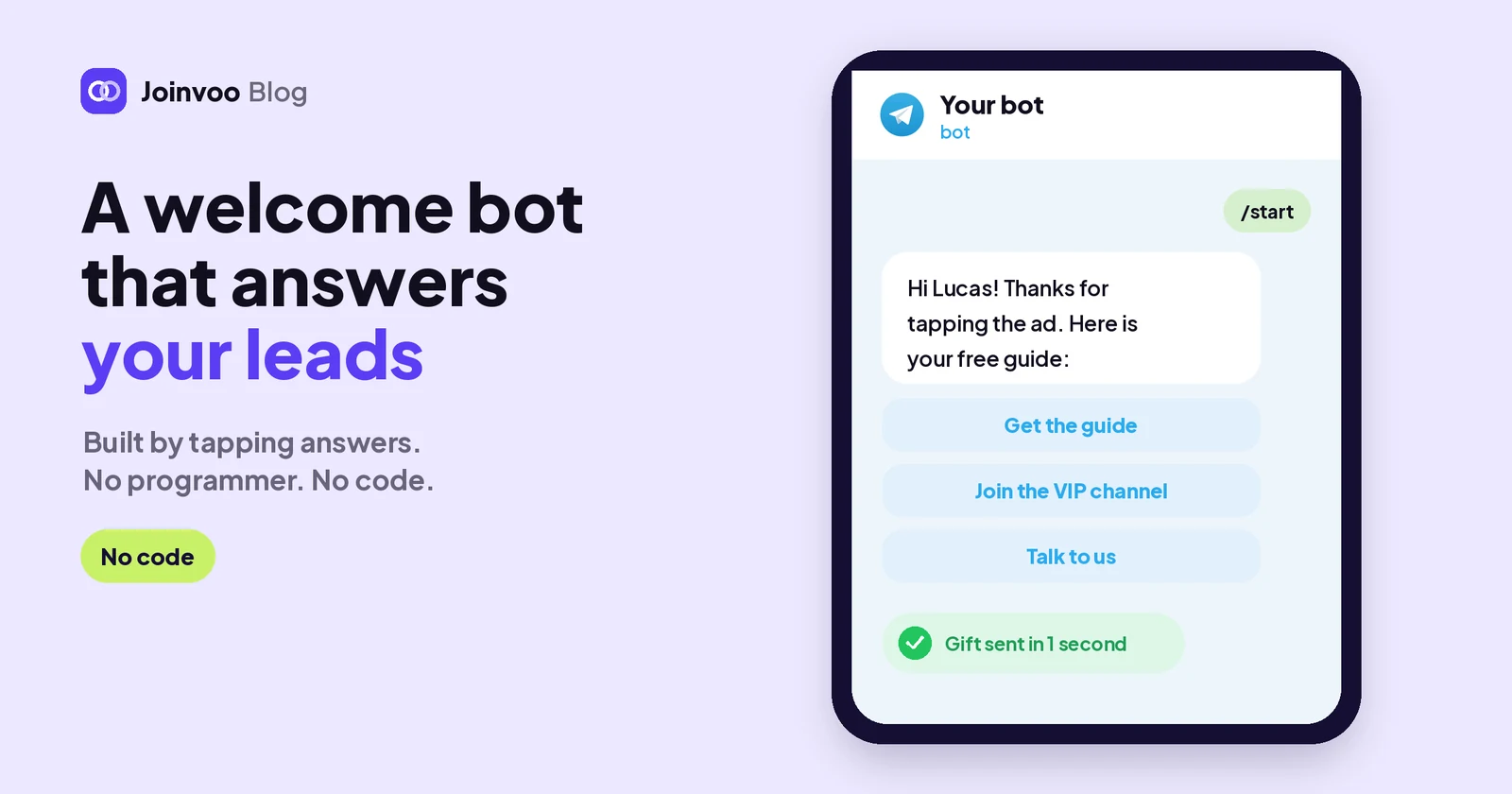
A welcome bot fixes that. It answers instantly, gives people what your ad promised, and keeps the conversation going while you sleep. Until now, a good one meant paying a programmer. Not anymore.
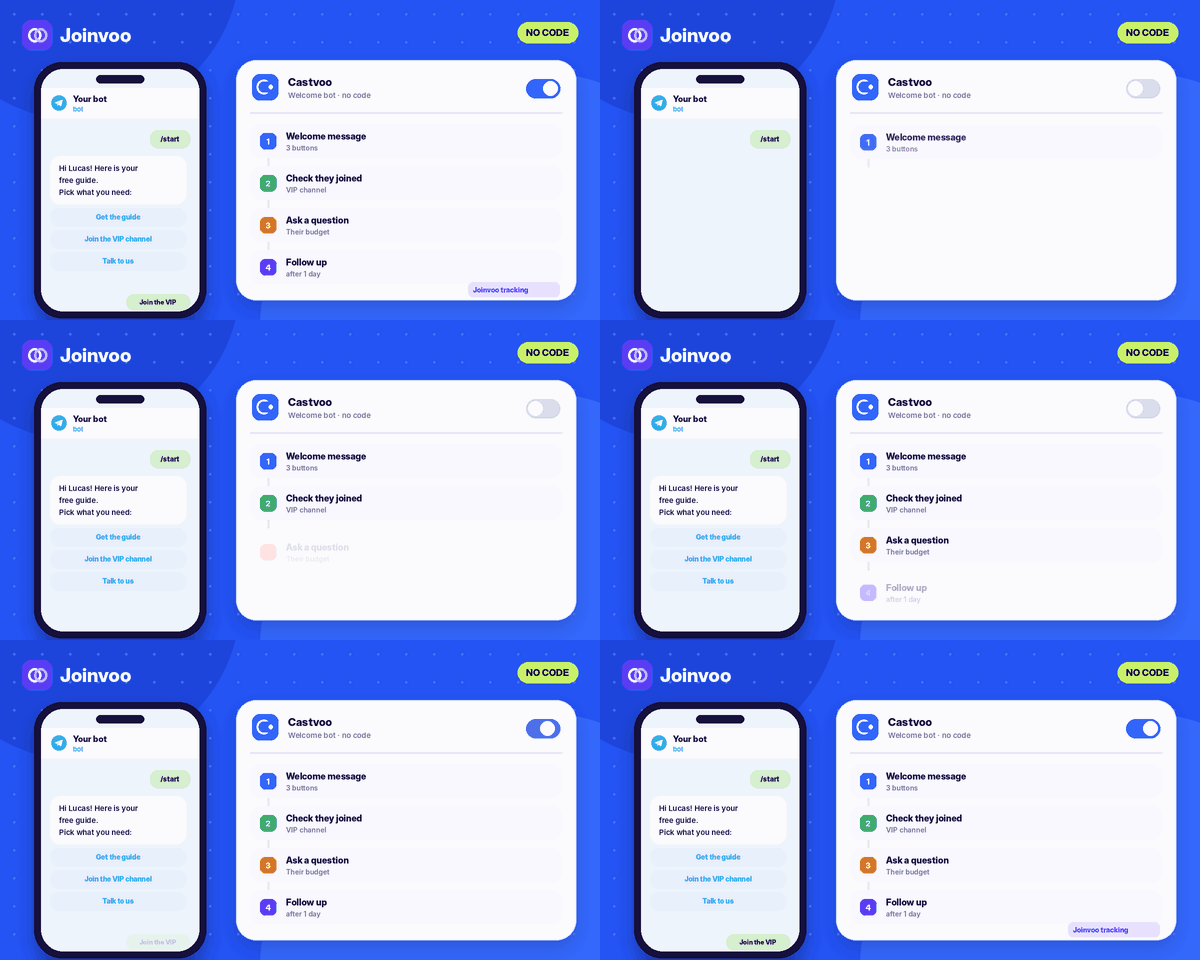
What a welcome bot does for your funnel
- Answers in seconds. The welcome goes out the moment someone taps Start or asks to join.
- Delivers what your ad promised. A free guide, a signal, a discount code, a link to your VIP channel.
- Qualifies people for you. It asks a question or two (budget, experience, country) so your team talks to the right people first.
- Keeps following up. A message the next day, another after three days, a weekly tip, without anyone remembering to send them.
- Brings friends. An invite link with a reward when someone reaches their goal.
Why Castvoo inside Joinvoo
You could run a separate bot tool. The problem: two tools fighting over one bot usually breaks tracking, and your ads lose the signal that tells them who actually engaged.
With Castvoo connected through Joinvoo, the two work together:
- Joinvoo keeps the bot’s connection and records every Start and join against the exact ad click, then sends it to Meta, TikTok or Snapchat as before.
- Castvoo runs the conversation: the welcome, the buttons, the questions and the follow-ups.
- If Castvoo is ever unreachable, Joinvoo sends your simple welcome instead. Nobody is left waiting and tracking never stops.
Step 1: one tap from Joinvoo
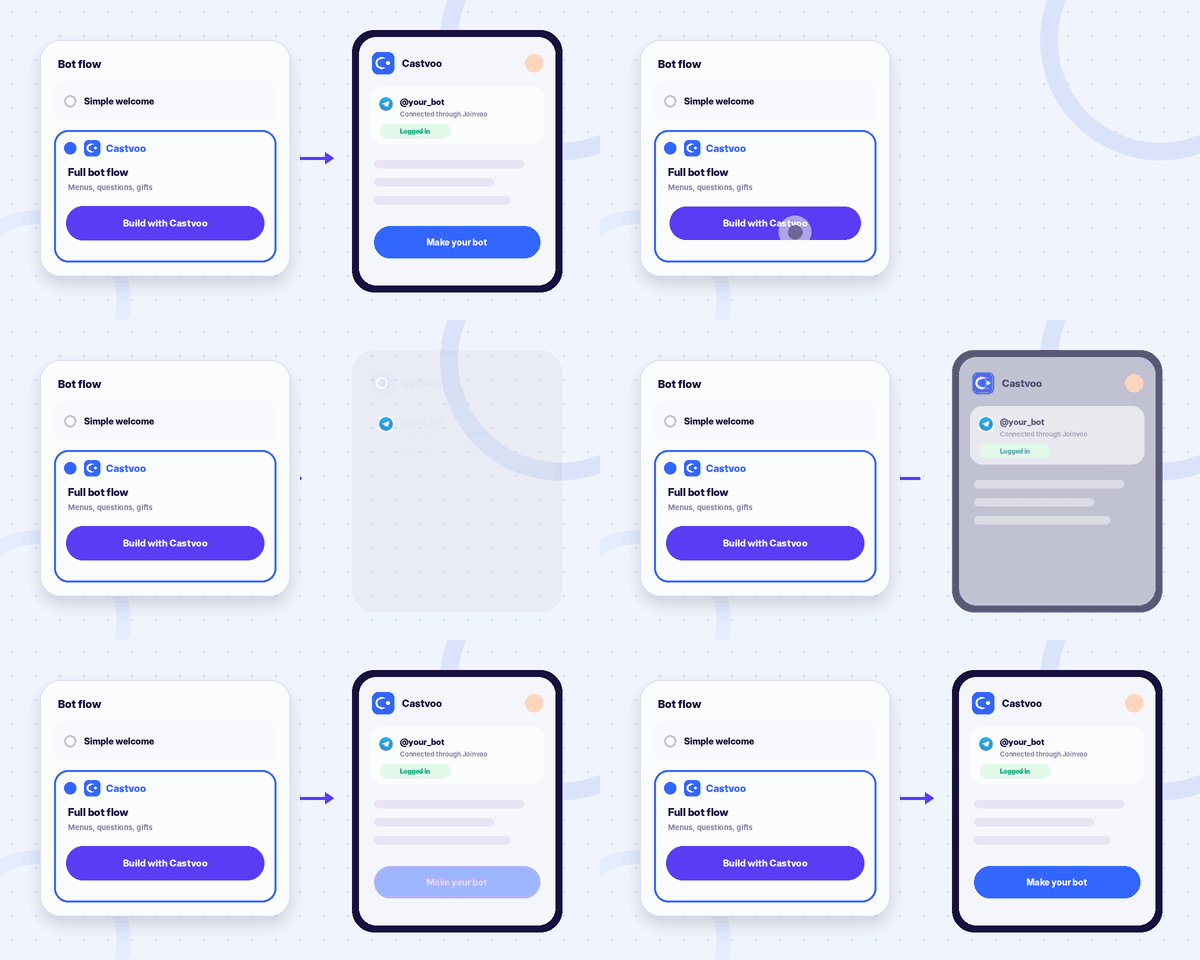
- In Joinvoo, open Channels, then your channel or bot, then Channel settings → Bot flow.
- Tap Build with Castvoo.
- Castvoo opens already logged in with your Joinvoo email, and your bot is already picked. If you already have a Castvoo account with that email, it’s used.
You never copy a bot token, and you don’t touch BotFather again.
Track this in Joinvoo, free.Every join, start and deposit matched to the ad that drove it. First 500 joins on us.Start freeStep 2: build it by tapping answers
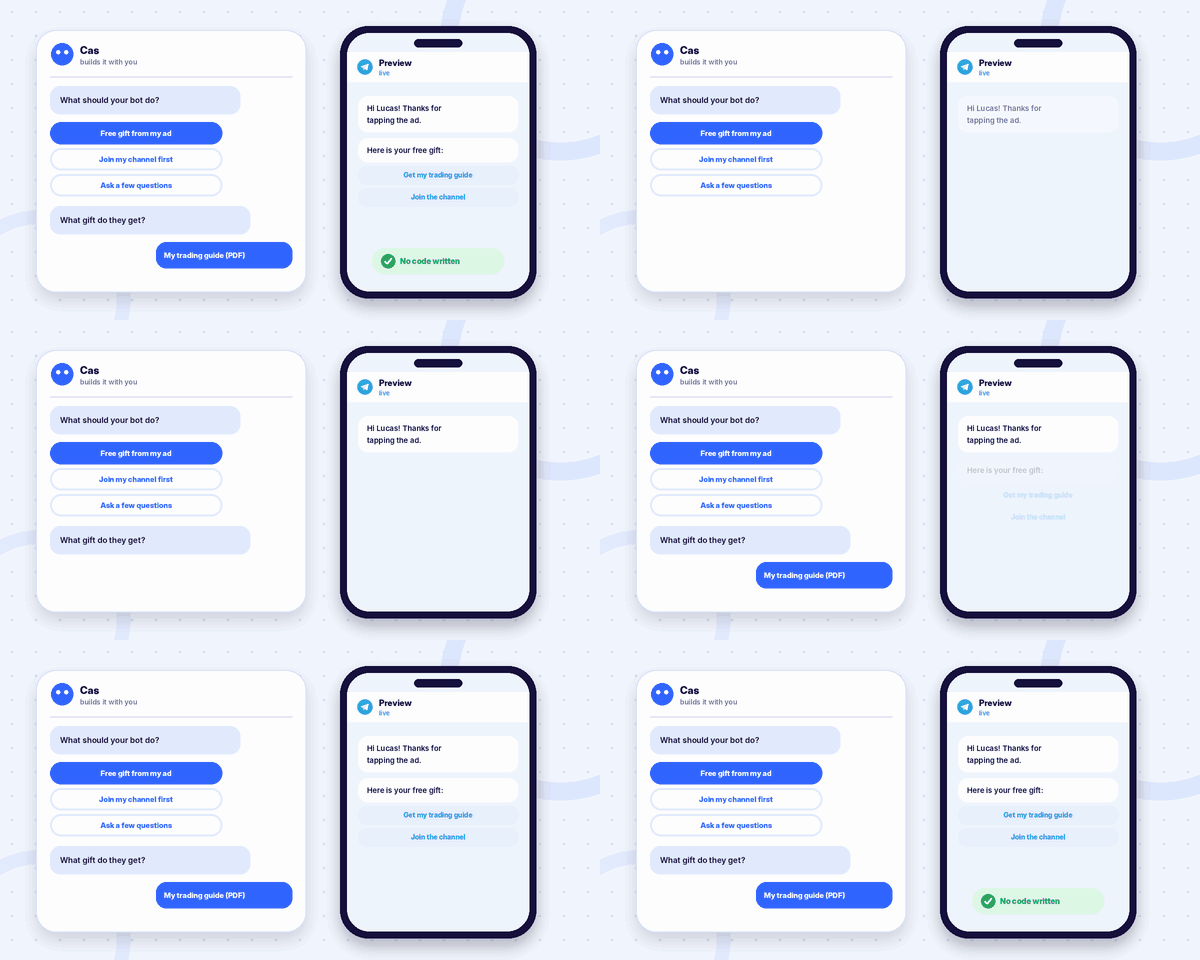
Castvoo’s builder is called Cas. It works like a chat:
- Cas asks what your bot should do, with answers you tap: Free gift from my ad, Join my channel first, Ask a few questions, Menu with buttons, Invite friends for a reward, and more.
- It asks the details one at a time (what gift, which channel, which question).
- A live phone preview shows exactly what your leads will see, as you go.
- When it looks right, switch it on.
Prefer to start from something ready? Pick a template such as Welcome + Tap Start + VIP link, Two choices: VIP or Free tips or Welcome + 3-day follow-up, then edit the words.
On paid plans you can also tell Cas in one sentence what you want, like “give them my trading guide, check they joined, then ask their budget”, and it drafts the messages and buttons for you to check. Nothing goes live until you switch it on.
Step 3: the pieces you can use
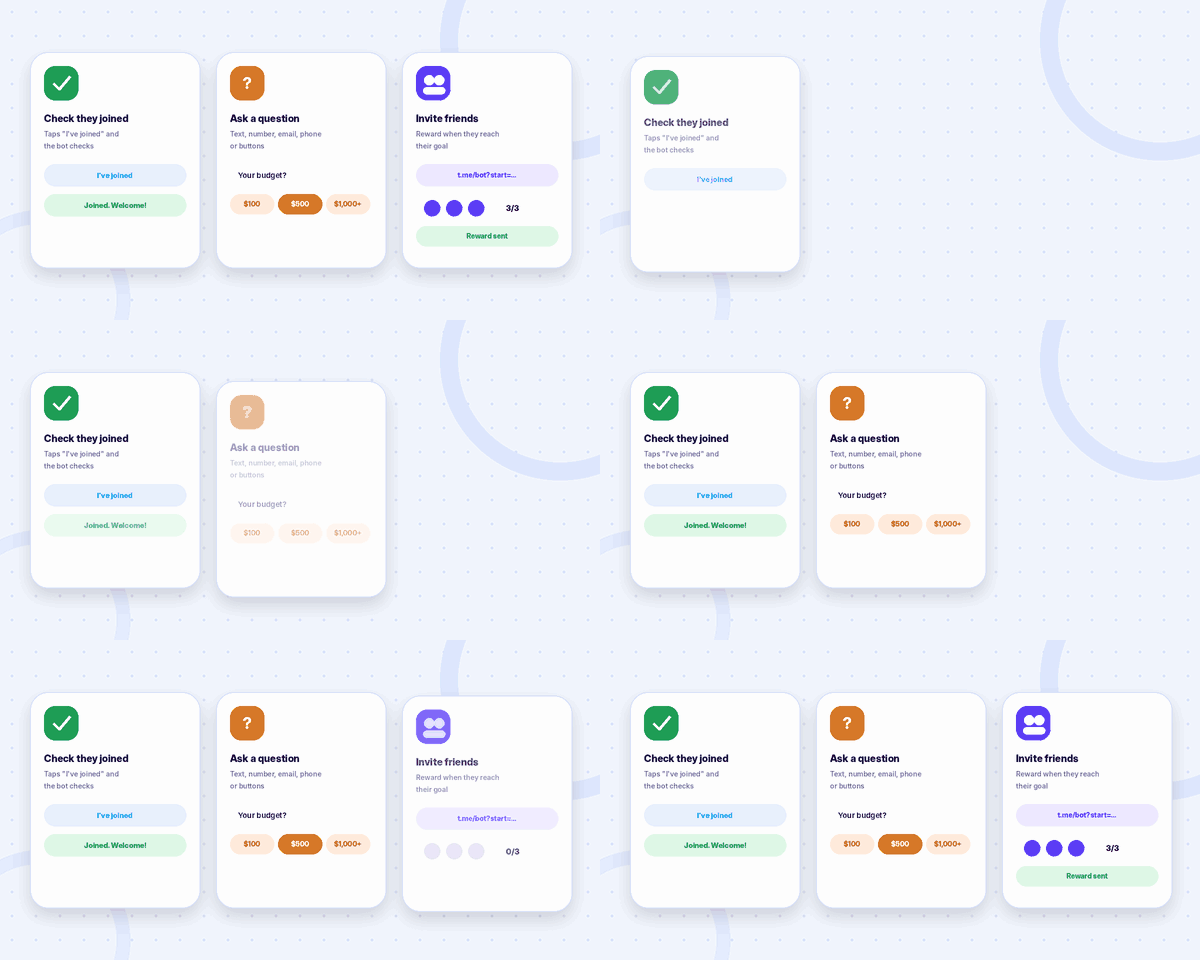
- Message. Text with the person’s name, a photo or video, even a voice note. Up to 6 buttons: links that open your offer, or reply buttons that move the conversation on.
- Check they joined. The bot checks they’re really in your channel when they tap “I’ve joined”. If they aren’t, they get a gentle nudge.
- Ask a question. Text, number, email, phone, or buttons to tap. Great for budget and experience.
- Invite friends. Each person gets their own invite link, and the reward goes out when they reach their goal.
- Timing. Right away, after a wait (minutes, hours or days), or when they tap a button.
Step 4: follow-ups and broadcasts, with tracking intact
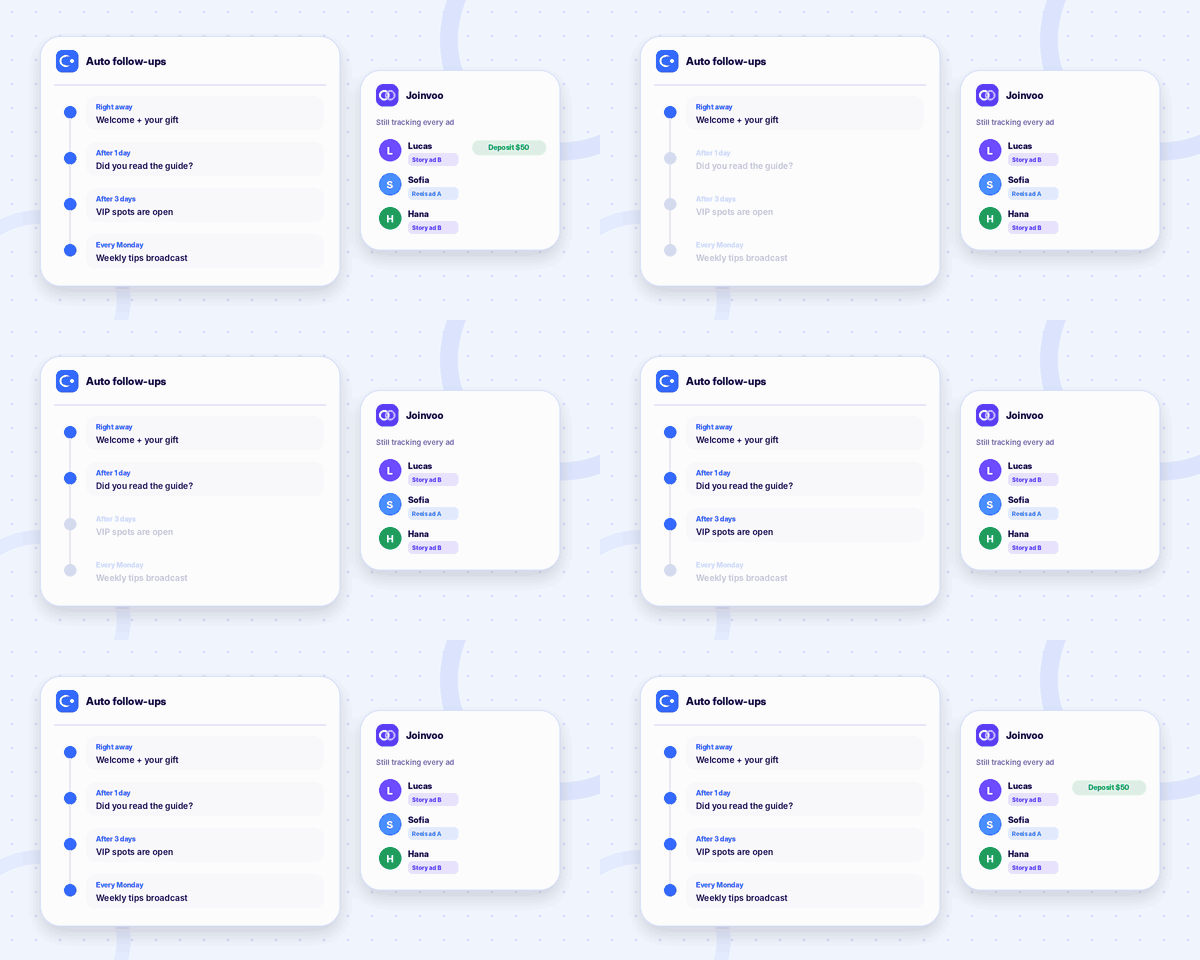
- Auto follow-ups. A sequence that starts when someone taps Start, each message with its own wait: “Did you read the guide?” after a day, “VIP spots are open” after three.
- Broadcasts. Send now, schedule, or repeat every day or week, with rotating versions so it never feels like a copy-paste.
- Tracking stays in Joinvoo. Every person is still matched to the ad that brought them, and deposits or sales show up on the same person in your results.
Welcome on join requests or on Start?
Castvoo handles both:
- Welcome bot: starts when someone asks to join your channel or group. The welcome goes out, and they’re let in after it’s sent (or straight away, or when they tap Start, your choice).
- Chat bot: starts when someone taps Start in your bot, usually from your ad’s link.
Many funnels use both: the join request gets a quick welcome and asks people to tap Start, and the Start begins the full conversation.
What it costs
- Free plan to start: one channel or group with its welcome.
- Paid plans from $19 a month, for more connections, flows, follow-ups and broadcasts.
- 7-day free trial of the bigger plan, no card needed.
- You can pay with your Joinvoo balance, so there’s no new card to add.
Prices are set in Castvoo; you’ll always see the current ones before you pay.
Common questions
Do I need a programmer or any code? No. You build everything by tapping answers and editing text.
Will it break my tracking? No. Joinvoo keeps the bot’s connection and tracks every Start, join and deposit as before.
Can I switch back? Yes, any time. In Bot flow, tap Simple welcome. Your Castvoo flow is kept, paused, in case you want it back.
What if I already run my own welcome bot? Keep it. Castvoo is optional. If your bot sends its messages to your own server, leave it as it is and stay on Simple welcome.
Does it work with Telegram channels and bots? Both. Welcome bots for channel and group join requests, chat bots for Start.
Ready? In Joinvoo, open your bot’s Channel settings → Bot flow and tap Build with Castvoo. For the tracking side, read How to track Telegram bot subscribers from Facebook ads.