A lot of people already keep an AI chat open all day. They paste in ad copy, ask it to rewrite a landing page, or think through a budget out loud. Then they switch to another tab to check the numbers, copy a few of them back, and ask again.
That back-and-forth is gone now. You can connect Joinvoo to the AI you already use, and ask about your ads right there. The answers come from your real Joinvoo numbers, not from a screenshot you pasted in last Tuesday.
What it does
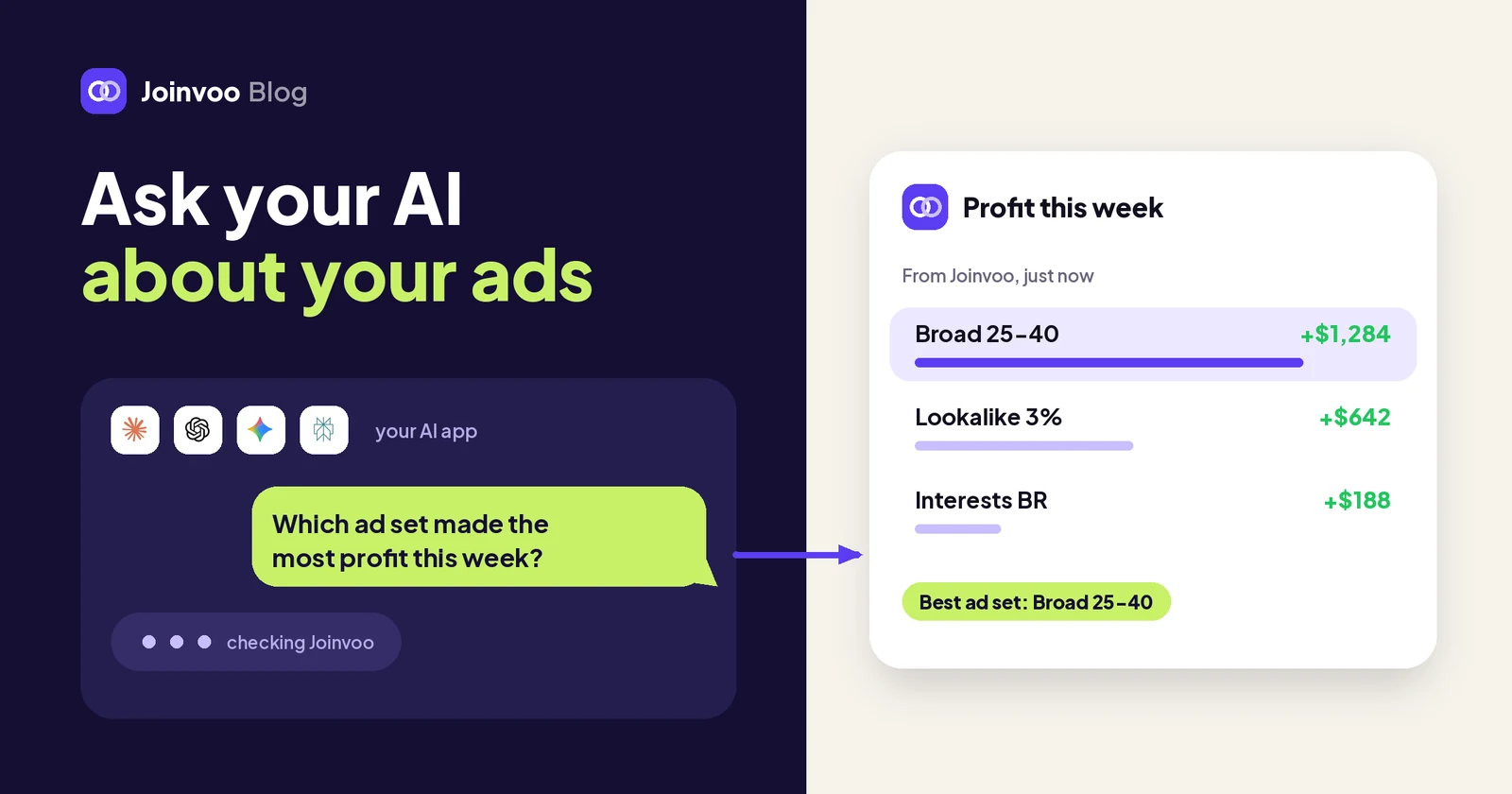
Once Joinvoo is connected, your AI can read your Joinvoo results when you ask about them. You don’t need special commands. You just ask:
- “How did my ads do yesterday compared with the day before?”
- “Which ad brought the most sales this week?” (if you sell online)
- “Which ad brought the most FTDs this week?” (if you run affiliate offers)
- “Which ad brought the most new members this week?” (if you grow a community)
- “Which country has the lowest cost per sale this month?”
- “Is anything broken in my setup?”
Your AI picks what it needs from Joinvoo: your results summary, a breakdown by campaign, ad, platform, country or day, your top ads, your latest sales or deposits, your channels and setup, and what needs attention. It answers from the same live numbers as your dashboard, so if your dashboard says 41 deposits, your AI says 41 deposits.
In apps that show them, some answers come with small cards: a results summary, a trend chart or your top ads, drawn from your numbers. In other apps you get the same answer as text.
It also speaks your account’s language. If you sell from a store or a digital product, it talks about sales, orders and cost per sale. If you run affiliate offers, it’s deposits and FTDs. If you grow a community, it’s joins and members.
Which AI apps work with it
Joinvoo works with any app that can connect to a remote MCP server with a normal sign-in. MCP is the open standard many AI apps use to connect to other tools. Today that includes:
- Claude, on the web, desktop and phone. Tap Add to Claude in Joinvoo and Claude opens with Joinvoo filled in.
- ChatGPT, on the web, using Developer mode in its settings.
- Gemini, in the Gemini web app and Gemini CLI.
- Cursor, and also GitHub Copilot in VS Code.
- Claude Code, in your terminal.
- Perplexity, Grok, Le Chat and other MCP apps that let you add your own connector. You paste your Joinvoo address for AI apps and sign in.
Every app has its own short steps on the AI apps page, so you don’t have to work out the settings on your own.
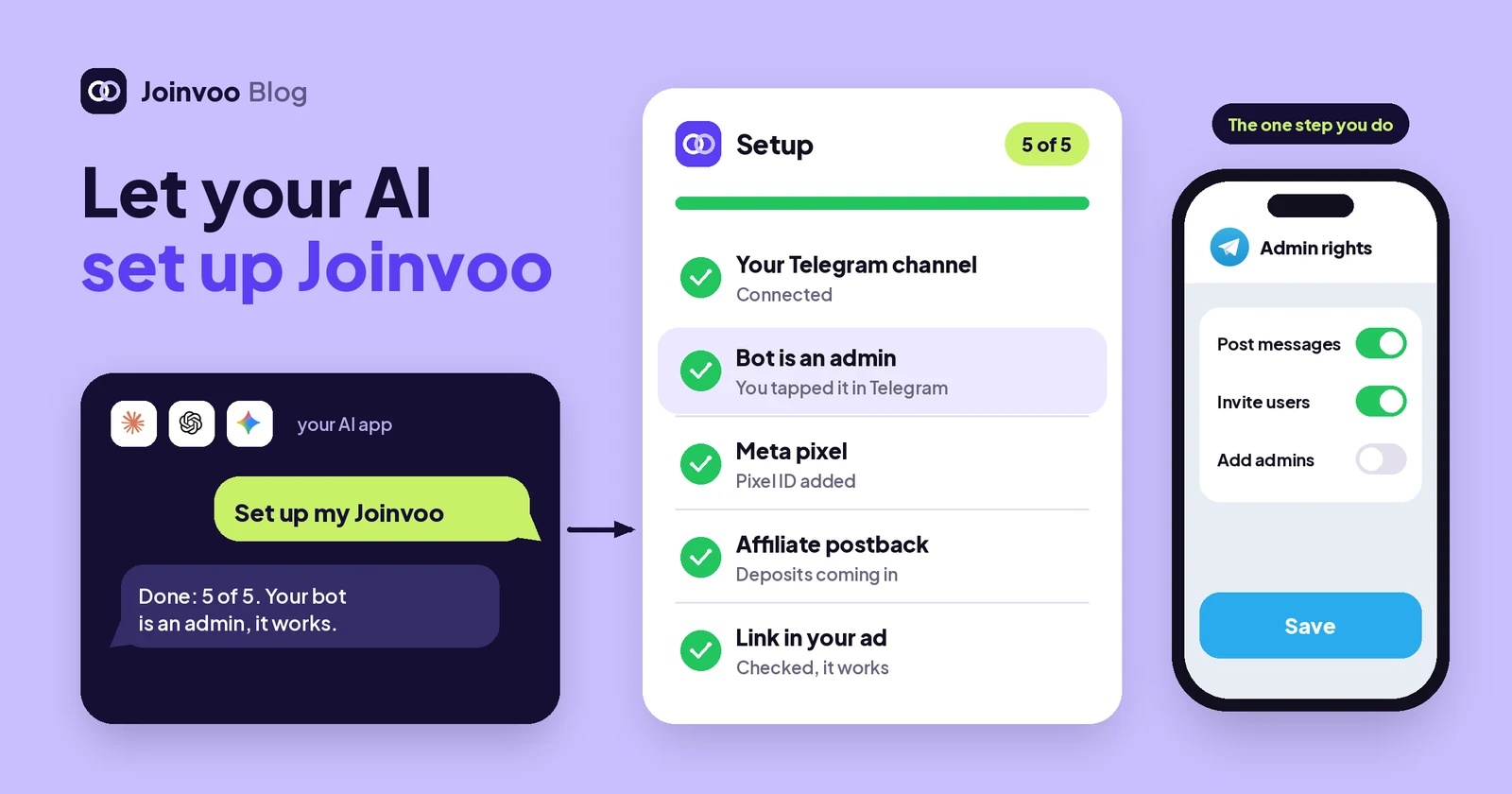
Connect in about a minute
- In your dashboard, open More → AI apps.
- Pick your AI. Joinvoo shows the steps for that app, with a Copy button for your address.
- Follow the steps in your AI app. It sends you to a Joinvoo page.
- Log in to Joinvoo (with your 2-step code if you use one), choose which account it may read, and tap Allow.
- Back in your AI app, ask your first question.
You get a message in your Joinvoo inbox when a new app is connected, and the app shows up under Connected apps on the same page.
Track this in Joinvoo, free.Every join, start and deposit matched to the ad that drove it. First 500 joins on us.Start freeSafe by default
I’d rather you trust this than be impressed by it, so here is exactly what your AI can and can’t do.
- Read-only unless you allow changes. The normal connection only reads your results. On the Allow screen there’s a separate box for changes. Only if you tick it can your AI do a small set of things you ask for: pause or resume an offer in rotation, cancel a sale or deposit, or allow a site in Guardvoo. Even then, it tells you what will change and asks you first.
- It only sees what you can see. Your AI acts as you, with the same rules as your dashboard. If you’re a media buyer in someone else’s account, it sees your channels, not the whole account. If earnings are hidden from you, they’re hidden from your AI too.
- Your team sees only what they’re allowed to. If a teammate connects their own AI to your workspace, it gets their role’s limits, not yours. You get a message when they do, and you can disconnect it.
- Only when you ask. Your AI reads Joinvoo when you ask something, not in the background.
- Disconnect any time. Each app has a Disconnect button in More → AI apps, and there’s Disconnect all too. It stops reading Joinvoo at once.
- You see what it did. The AI apps page lists your connected apps, when each was last used and your recent questions, so nothing happens out of sight.
Your login never goes to the AI app. It gets a key that only works for Joinvoo, only for the account you chose, and only until you disconnect it.
Good questions to start with
The best questions are the ones you’d ask a sharp colleague who knows your numbers:
- “What changed this week, and why?”
- “Which ads should I stop, and which should I scale?”
- “Compare Meta and TikTok on cost per result for the last 14 days.”
- “Is anything broken in my setup? What should I fix first?”
- “Make me a tracking link for a new TikTok ad.” (this one only reads, so it works on every connection)
Because your AI can also see everything else in your conversation, you can mix things. Paste a new ad idea and ask “based on my top ads this month, which angle should I test first?” That’s where it gets useful.
What it won’t do
- It doesn’t invent numbers from Joinvoo. If something isn’t tracked or connected, Joinvoo says so, and your AI should tell you what to connect. AI apps can still get things wrong in what they write around the numbers, so for big decisions, open the dashboard and check.
- It can’t spend your money or change your ads. It can’t touch your ad accounts, your budgets or your billing.
- It doesn’t change anything you didn’t allow. Without the changes box ticked, it can only read.
- It doesn’t see other people’s accounts. Only the one you picked on the Allow screen.
The point
Your numbers are most useful where you already think. If that’s an AI chat, connect Joinvoo, ask one question a day, like “what should I fix today?”, and act on the answer. If you’d rather ask from your phone, read Ask Joe about your ads on Telegram: your numbers, in a chat.